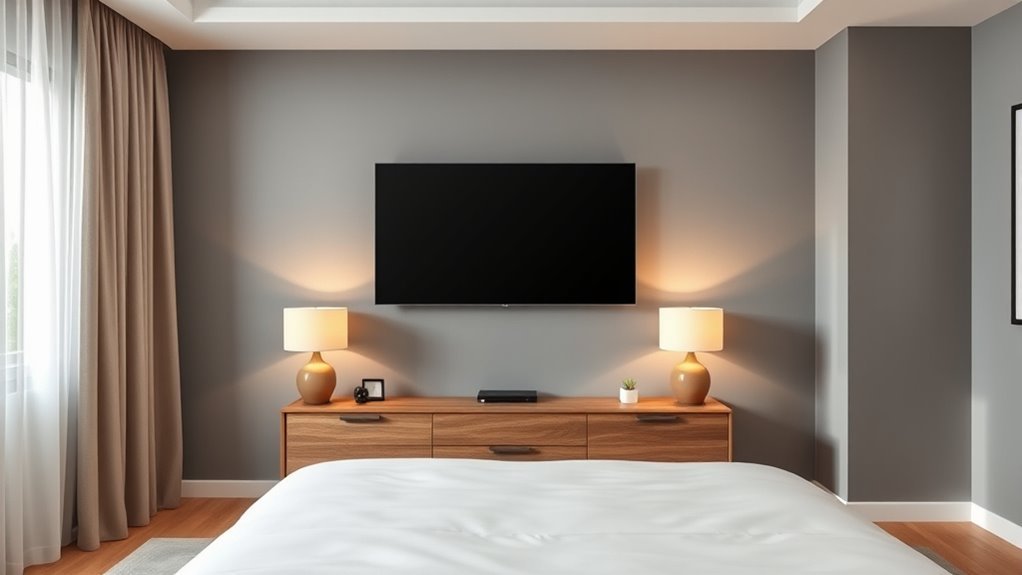
10 Tips for How High to Hang TV in Bedroom
When hanging your TV in the bedroom, positioning the screen at the right height is key for comfort and an enjoyable viewing experience. You want your eyes to rest at the center of the screen whether you’re lying down or sitting up comfortably. This helps reduce neck strain and makes binge-watching way more relaxing.
Start by measuring the distance from your bed to the wall where the TV will go. Then, divide that distance by three to find the ideal height for the TV’s center. This simple trick ensures the screen is at just the right level for your line of sight.
Also, pick a wall that avoids glare from windows or lights, and make sure it’s sturdy enough to support a secure mount on studs with the right anchors. A tilting mount can be a game-changer, letting you angle the TV to reduce strain.
Don’t forget to manage your cables neatly to keep things looking tidy. Keep these tips in mind, and you’ll find even more ways to optimize your bedroom TV setup!
Key Takeaways
- Hang the TV so its center aligns with your eye level when lying or sitting in bed. This helps minimize neck strain and makes watching way more comfortable.
- Measure the distance from where you usually watch TV to the wall. Then, divide that number by three to find the perfect height to hang your TV.
- Pick a wall that you can see clearly from your bed. Try to avoid walls with windows or bright lights nearby since they can cause glare and reflections on your screen.
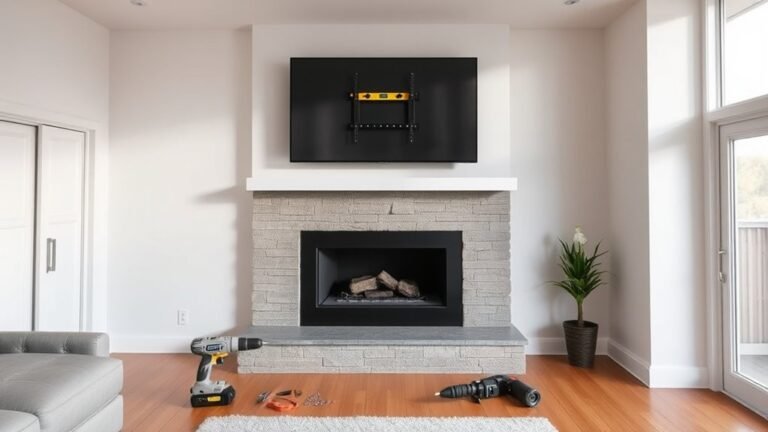
- Make sure to use strong mounting hardware and secure it into the wall studs. This keeps your TV safe and steady on the wall.
- Consider using adjustable or tilting mounts. They let you tweak the angle for the best viewing experience and help reduce eye strain.
Why Eye Level Matters for Bedroom TV Viewing
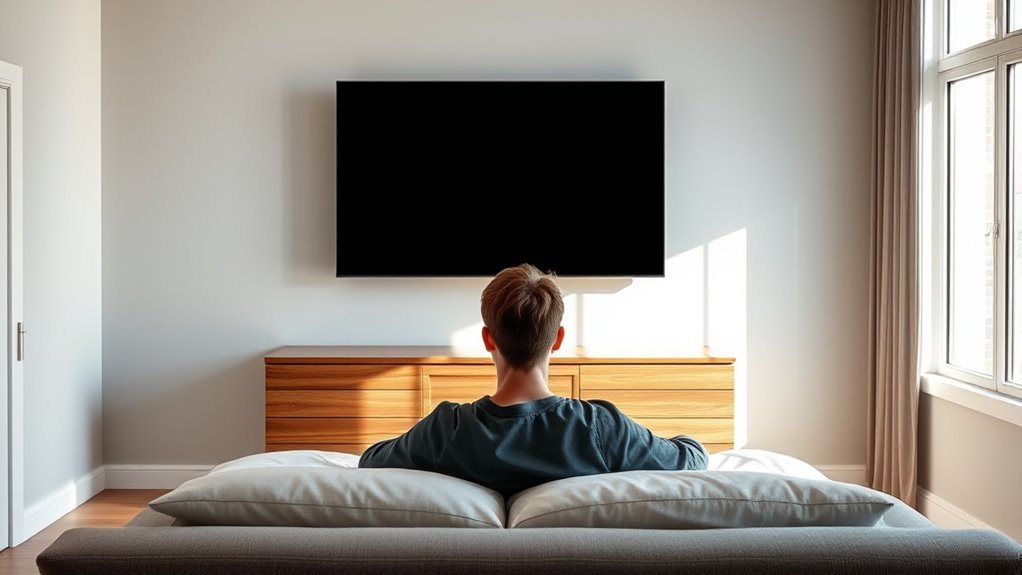
Because your comfort depends on it, positioning your TV at eye level in the bedroom reduces neck strain and enhances your viewing experience. When you watch TV, your eyes naturally rest at a certain height.
If your screen sits too high or too low, you’ll keep tilting your head, which can quickly cause discomfort and fatigue. Keeping the TV at eye level lets you relax your neck and maintain a natural posture.
Plus, it improves picture clarity since you’re looking straight at the screen without awkward angles that distort the image. This setup also helps reduce glare and reflections, making your viewing much more enjoyable.
How to Measure the Ideal TV Height
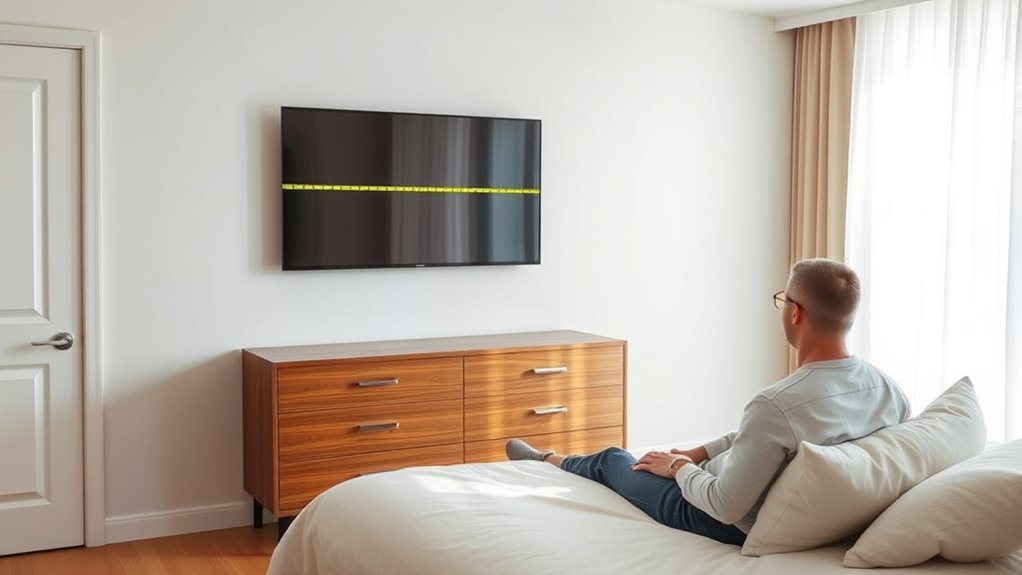
When you’re figuring out the ideal TV height, start by measuring the distance from your bed to the wall where the TV will hang. This helps determine the most suitable eye level for comfortable viewing.
Next, calculate the ideal height by dividing that distance by three. For example, if your bed is 9 feet away, your eye level should be about 3 feet from the floor when lying down.
Measure the center of your TV screen and align it with this height. Keep in mind, your eyes should hit the middle of the screen to reduce neck strain.
Adjust slightly based on your bed’s height and pillow thickness. Using these measurements guarantees your TV is placed for a relaxed, enjoyable viewing experience.
Choosing the Best Wall for Your Bedroom TV
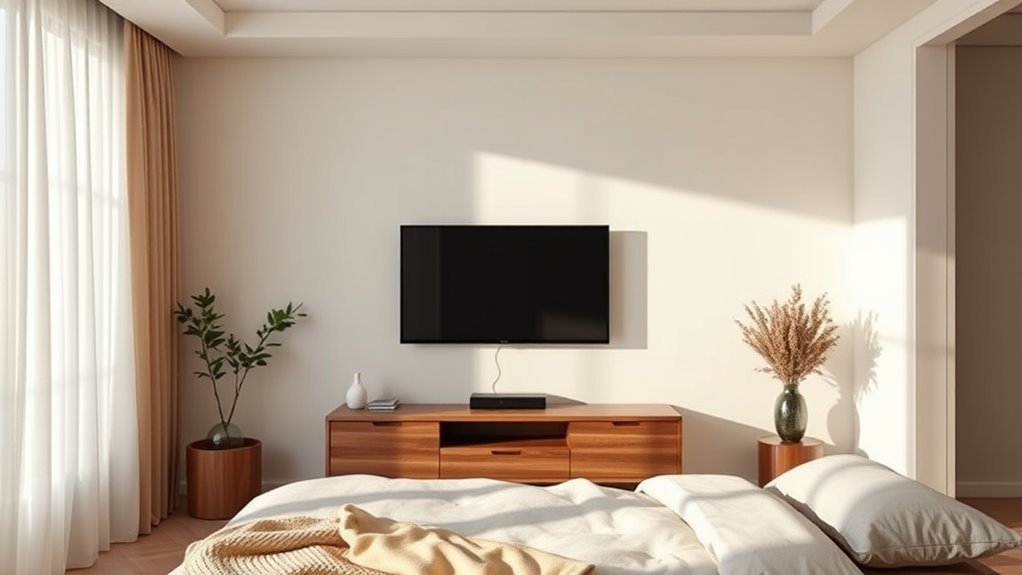
Where you hang your TV can make a big difference in your viewing comfort and room aesthetics. First, choose a wall that’s easily visible from your bed without forcing you to twist or strain your neck.
Selecting a wall visible from your bed without neck strain enhances both comfort and room design.
Avoid placing the TV opposite windows to reduce glare, which can ruin your viewing experience. Consider the wall’s size—larger walls offer more flexibility with TV placement and height.
Also, think about nearby furniture and outlets for easy cable management. If your bedroom has multiple wall options, pick one that balances functionality and style, complementing your room’s layout.
Finally, verify the wall can support the TV’s weight safely. By selecting the best wall, you set yourself up for comfortable, enjoyable TV watching every night.
How Viewing Distance Influences TV Height
Since your viewing distance affects how comfortably you watch TV, it also plays a key role in determining the ideal height for mounting your screen. If you sit closer to the TV, you’ll want to hang it slightly lower so your eyes align naturally with the center of the screen.
This minimizes neck strain and keeps your viewing experience comfortable. Conversely, if your viewing distance is longer, you can mount the TV a bit higher because your line of sight adjusts accordingly.
A good rule of thumb is to position the TV so the center is at eye level when you’re sitting or reclining in your typical viewing spot. Taking your distance into account guarantees you won’t have to constantly tilt your head up or down to enjoy your favorite shows.
Adjusting TV Height for Different Bed Types
Your bed type affects the best TV height since different angles change how you view the screen. You’ll want to adjust the TV so its center matches your eye level when you’re comfortably lying down.
This guarantees a clear, strain-free picture no matter your bed setup. It’s all about making your viewing experience as comfy as possible!
Bed Type Viewing Angles
Although many factors influence the ideal TV height, the type of bed you have plays a crucial role in determining the best viewing angle.
If you sleep on a platform or low-profile bed, you’ll want to mount the TV slightly lower since you sit closer to the floor. For taller beds, like those with box springs or adjustable bases, position the TV a bit higher to match your elevated line of sight.
If you often watch TV from a recliner or adjustable headrest, consider the angle when the bed is raised—tilt the TV downward if needed.
Ultimately, aligning the TV height with your usual viewing position ensures comfort and reduces neck strain while watching from bed. Tailor your setup to your bed type for the best experience.
Optimal Eye Level Adjustments
When you adjust your TV height to match your bed type, you create a more comfortable viewing experience that reduces neck and eye strain. For a flat platform bed, position the TV so the center of the screen aligns with your eye level when you’re sitting up in bed.
If you have an adjustable or recliner bed, raise the TV slightly higher since you’ll often watch while reclining. For bunk beds or loft beds, consider mounting the TV at a lower height to suit a seated or slightly reclined position.
Always measure from your typical viewing angle—whether sitting, reclining, or lying down—to the center of the screen. This tailored approach guarantees you enjoy your shows comfortably without forcing your neck or eyes to work harder than they should.
Preventing Neck and Eye Strain From Poor TV Placement
Since you’ll likely spend a lot of time watching TV in your bedroom, placing it at the right height is essential to avoid neck and eye strain. If the TV is too high, you’ll constantly tilt your head upward, causing discomfort and tension in your neck.
On the other hand, a TV set too low forces you to look down, which can lead to eye fatigue and poor posture. Position the center of the screen at your natural eye level when you’re comfortably seated or lying down.
Also, avoid placing the TV too close, as this can strain your eyes. Maintaining an appropriate distance and height guarantees you can relax and enjoy your shows without physical discomfort.
Proper placement keeps your viewing experience comfortable and healthy. It’s all about making sure you can kick back and watch without any aches or pains.
Optimize TV Viewing With a Tilting Mount
Using a tilting mount lets you adjust your TV’s angle for the best view, no matter where you’re sitting or lying down. It helps reduce glare and keeps your neck comfortable by positioning the screen at eye level.
You’ll get a clearer, more enjoyable viewing experience with just a simple tilt. It’s an easy way to make your TV time way better!
Benefits Of Tilting Mount
Why settle for a fixed TV position when a tilting mount can enhance your viewing experience? A tilting mount lets you angle your TV downward, reducing glare and making it easier to watch from a lying or sitting position.
This flexibility means you won’t have to strain your neck or adjust your posture uncomfortably. It also helps improve picture quality by minimizing reflections from windows or lights.
Plus, tilting mounts provide a sleek, clean look, keeping your TV close to the wall while still offering movement. Installing one gives you more control over your setup, making your bedroom TV viewing much more comfortable and enjoyable without complicated adjustments.
Adjusting Viewing Angles
Although mounting your TV at the perfect height is important, adjusting the viewing angle with a tilting mount can make all the difference in comfort and picture quality. When you tilt your TV downward, you reduce glare from lights or windows, which enhances the clarity of the screen.
This adjustment also helps you avoid neck strain by aligning the screen with your natural line of sight, especially if your TV is mounted higher than eye level. You can easily fine-tune the angle to suit different seating positions, ensuring everyone in the room has an ideal view.
Plus, a tilting mount lets you accommodate changes in your room setup without remounting the TV. Overall, adjusting the viewing angle keeps your bedroom viewing experience comfortable and visually pleasing.
Considering Room Lighting When Mounting Your TV
When you mount your TV in the bedroom, you’ll want to think carefully about how room lighting affects your viewing experience. Bright overhead lights or sunlight streaming through windows can cause glare on the screen, making it hard to see clearly.
Try to position your TV so it’s not directly opposite windows or strong light sources. If that’s unavoidable, you might want to use blackout curtains or blinds to control natural light.
Also, avoid placing your TV under bright ceiling fixtures that create reflections. Instead, use soft, ambient lighting to reduce eye strain during nighttime viewing.
You could even add dimmable lamps or LED strips behind the TV to enhance contrast without causing glare. Paying attention to lighting like this guarantees you enjoy a comfortable, clear picture every time you watch in bed.
Managing TV Cables for a Tidy Bedroom Setup
Keeping your TV cables organized plays an essential role in maintaining a clean and inviting bedroom space. You don’t want tangled cords ruining your relaxing vibe.
Use cable clips, sleeves, or raceways to keep wires neat and out of sight. Label each cable for easy troubleshooting.
Consider hiding cables behind the wall or under furniture to reduce clutter. A tidy setup not only looks better but also prevents tripping hazards and damage.
| Feeling | Result |
|---|---|
| Calm | Clutter-free space |
| Pride | Neat, professional look |
| Safety | No tripping or damage |
| Satisfaction | Easy cable management |
| Relaxation | Uninterrupted viewing |
Managing cables well guarantees your bedroom stays cozy and organized.
How to Secure Your TV Safely on Bedroom Walls
To secure your TV safely, start by locating studs in your bedroom walls for the strongest support. Use the right wall anchors designed for your wall type to keep the mount stable.
Don’t forget to manage cables neatly to prevent any hazards or damage over time. It’s a simple step, but it makes a big difference in keeping everything safe and tidy.
Choosing Proper Wall Anchors
Although mounting your TV might seem straightforward, selecting the right wall anchors is essential to guarantee it stays securely in place. First, consider your wall type—drywall, plaster, or concrete—as this determines the anchor you’ll need.
For drywall, use heavy-duty toggle bolts or molly bolts that expand behind the wall, offering strong support. Avoid relying on simple plastic anchors, as they may not hold the TV’s weight.
If your wall is concrete or brick, opt for masonry anchors or sleeve anchors designed for solid surfaces. Always check the weight rating on the anchors and ensure they exceed your TV’s weight for safety.
Using proper anchors prevents damage and keeps your TV stable, so take time to match anchors to your wall’s material before mounting. It’s worth the effort to get it right!
Using Studs For Support
Selecting the right wall anchors is only part of securing your TV—finding and using the studs behind your bedroom walls provides the strongest, most reliable support. Use a stud finder to locate these wooden beams, usually spaced 16 or 24 inches apart.
Mark their edges clearly so you can center your TV mount on a stud. Avoid drywall anchors alone, as they may fail under your TV’s weight.
Once you find a stud, drill pilot holes to prevent splitting the wood and secure the mounting bracket with heavy-duty screws designed for studs. This guarantees your TV stays firmly in place, reducing risks of accidents or damage.
Always double-check your mount’s stability before hanging the TV to guarantee a safe setup. It’s worth taking a little extra time here to make sure everything is solid!
Cable Management Tips
When you mount your TV on the bedroom wall, managing the cables neatly not only enhances the room’s appearance but also keeps the setup safe. Start by using cable clips or adhesive cable organizers to secure wires along the wall, preventing them from dangling or tangling.
Consider installing a cable raceway to hide cords completely, giving your space a clean, streamlined look. If you’re running cables inside the wall, make sure you follow electrical codes and use in-wall rated cables for safety.
Also, keep power cords separate from HDMI or audio cables to reduce interference. Finally, label each cable at both ends to make future adjustments easier.
Frequently Asked Questions
What Is the Best TV Size for a Bedroom?
You’ll want a TV between 32 and 55 inches for your bedroom, depending on your room size and viewing distance. Bigger rooms or longer distances call for larger screens. But don’t go too big to avoid eye strain.
Can I Use a Soundbar With a Wall-Mounted Bedroom TV?
Wondering if you can use a soundbar with your wall-mounted bedroom TV? Absolutely! A soundbar enhances audio without clutter.
You can mount it just below the TV for a clean, immersive setup that fits your space perfectly. It’s a simple way to upgrade your sound without any hassle.
How Do I Connect My TV to Wi-Fi in the Bedroom?
You’ll go to your TV’s settings menu, find the Wi-Fi or network option, and select your bedroom’s Wi-Fi network. Then, enter the password.
Once connected, your TV will access the internet for streaming and updates. It’s pretty straightforward! Just follow those steps, and you should be all set.
Are There Specific TV Brands Recommended for Bedroom Use?
Coincidentally, you’ll find brands like Samsung, LG, and Sony often recommended for bedroom TVs because they offer great picture quality, smart features, and quiet operation.
You’ll want a model that fits your space and viewing habits perfectly.
It’s all about making sure the TV feels just right for your room and how you like to watch.
How Do I Clean and Maintain a Wall-Mounted TV?
You should turn off and unplug your TV first. Use a microfiber cloth to gently wipe the screen and frame.
Avoid harsh chemicals; instead, use a screen-safe cleaner or a mix of water and vinegar for stubborn spots. This way, you keep your TV safe and looking great.
Conclusion
When mounting your bedroom TV, remember that 42% of people experience neck strain from improper TV height. By measuring eye level, considering bed type, and using a tilting mount, you can avoid discomfort and enjoy longer viewing sessions.
Don’t forget to factor in lighting and cable management for a clean setup. These small details make a big difference in how your space looks and feels.
With these tips, you’ll create a cozy and ergonomic viewing space that’s both comfortable and stylish. Proper TV height in the bedroom helps prevent neck pain and enhances your overall viewing experience. So, take the time to hang your TV at the right height, and enjoy a setup that’s easy on your eyes and neck while adding a touch of style to your room.