How Big Is a 32 Inch TV?
A 32-inch TV measures about 28 inches wide and 16 inches tall, based on the screen’s diagonal size. If you’re wondering how big a 32 inch TV really is, it’s a great compact option that fits well in smaller spaces like bedrooms, kitchens, or cozy living rooms.
You’ll want to sit roughly 4 to 6.5 feet away for the best picture quality, depending on the resolution.
This size works well on stands or wall mounts without taking up much space.
It’s perfect if you’re looking for a TV that’s easy to fit yet still delivers a clear viewing experience.
Keep exploring to discover the best spots and setups for your TV.
Key Takeaways
- A 32-inch TV screen measures about 28 inches wide and 16 inches tall, based on its diagonal size. The “32 inch” refers to the screen’s diagonal length, not its width or height.
- When it comes to ideal viewing distance, it depends on the resolution. For 1080p, sitting about 4 to 6.5 feet away works best. For 720p, you’d want to be a bit farther, around 6 to 8 feet.
- This size fits perfectly in small spaces like bedrooms, kitchens, or compact living rooms. Plus, you can wall-mount it or place it on a stand, which is great for saving space.
- It’s really handy for minimalist setups or any small environment where space is tight.
Understanding the ‘32 Inch’ TV Size Measurement
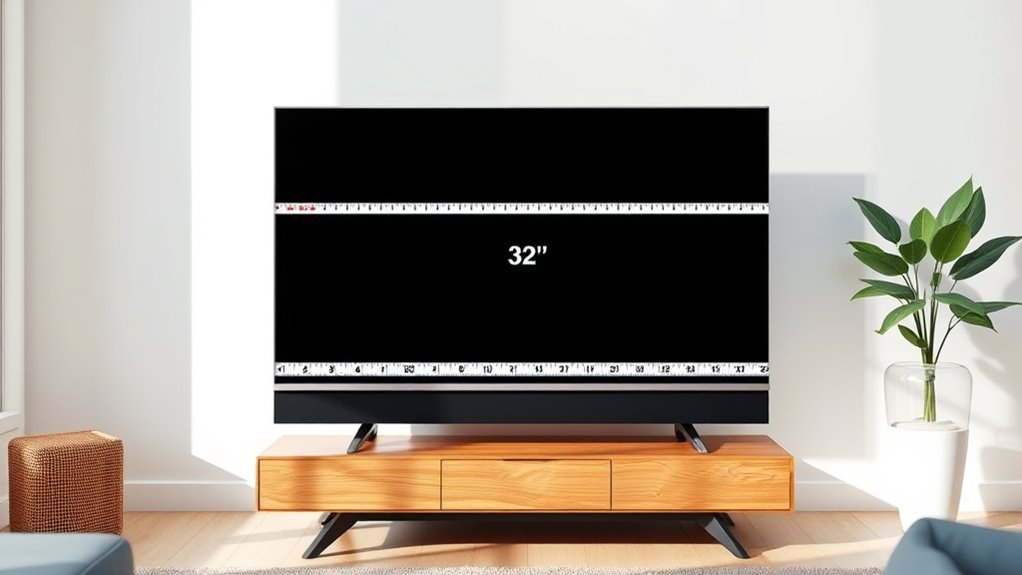
Although it might seem straightforward, understanding the “32 inch” measurement on a TV can be a bit confusing. That 32 inches refers specifically to the diagonal length of the screen, measured from one corner to the opposite corner.
It doesn’t represent the width or height directly, so you can’t assume how wide or tall the TV is just from that number. When manufacturers state “32 inch,” they focus on this diagonal measurement because it’s a standard way to compare screen sizes across different brands and models.
Keep in mind that the actual physical dimensions of the TV, including the bezels or frame around the screen, might add a little extra size beyond those 32 inches. This measurement helps you get a quick idea of the display size before considering the full TV footprint.
The Real Size of a 32 Inch TV Screen
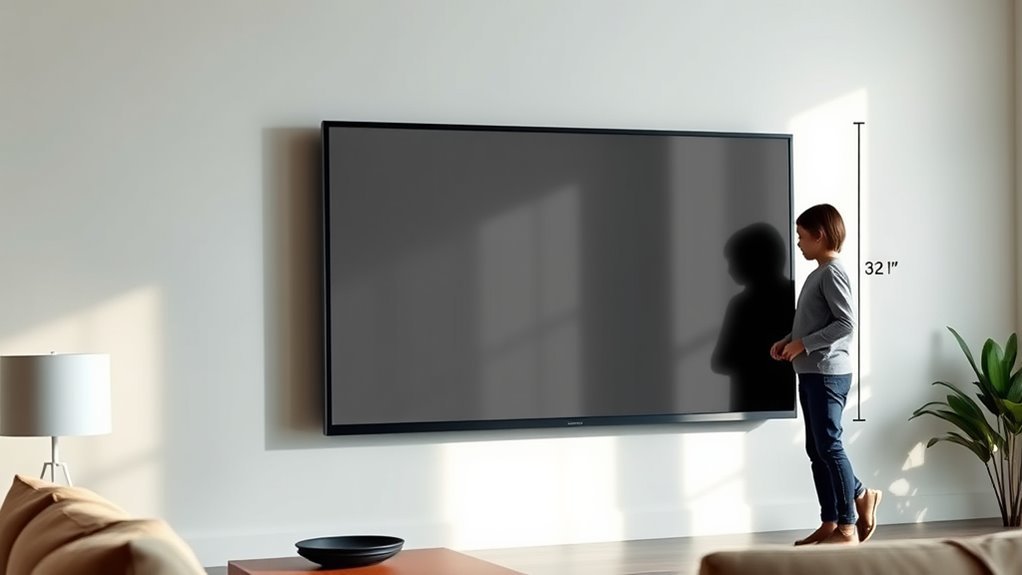
Now that you know the 32-inch measurement refers to the screen’s diagonal, it’s helpful to understand the actual width and height of the display. A typical 32-inch TV screen measures about 28 inches wide and 16 inches tall.
A 32-inch TV screen typically measures around 28 inches wide and 16 inches tall, not just diagonal length.
This can slightly vary by brand and model due to bezel size and aspect ratio.
Here’s what that means for you:
- You’ll fit this TV comfortably on most desks or small entertainment centers.
- Its size makes it perfect for bedrooms, kitchens, or cozy living rooms.
- You can easily mount it on walls without it overwhelming your space.
- Despite its compact size, it still offers an immersive viewing experience for casual watching.
Knowing these dimensions helps you picture how the TV fits into your space. It’s always good to have a clear idea before making a purchase!
Ideal Viewing Distance for a 32 Inch TV
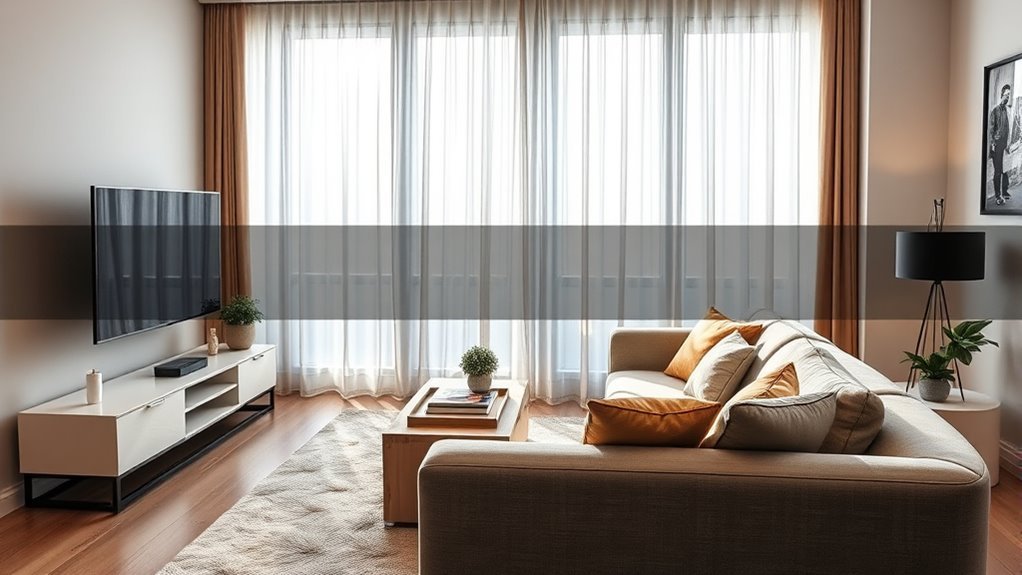
When you choose a 32-inch TV, understanding the ideal viewing distance guarantees you get the best picture quality and comfort. Sitting too close might make the pixels noticeable, while sitting too far can reduce detail visibility.
For a 32-inch screen, the sweet spot usually falls between 4 to 6.5 feet. Your seating distance depends on the TV’s resolution—higher resolutions let you sit closer without losing clarity.
| Resolution | Ideal Viewing Distance |
|---|---|
| 720p (HD) | 6 to 8 feet |
| 1080p (Full HD) | 4 to 6.5 feet |
| 4K (Ultra HD) | 3 to 4 feet |
| General Comfort | 4 to 6.5 feet |
Choose your spot within this range for the best experience. It’s all about finding that perfect balance so you can enjoy every detail without straining your eyes.
How a 32 Inch TV Fits in Different Rooms
You’ll want to think about the ideal viewing distance to get the best experience from your 32 inch TV. Think about the space you have available and how the TV fits within your room layout.
These factors will help you decide where to place your TV for comfortable and enjoyable viewing. It’s all about making sure you can watch without straining your eyes or feeling cramped.
Ideal Viewing Distance
Although a 32 inch TV might seem small, it fits perfectly in many rooms if you place it at the right viewing distance. To enjoy clear visuals and immersive entertainment, consider these ideal distances:
- Sit about 4 to 6 feet away to avoid straining your eyes.
- Keep the TV at eye level for the most comfortable viewing angle.
- Adjust the distance if you’re watching HD or 4K content to maximize clarity.
- Guarantee seating arrangements let everyone enjoy the screen without crowding.
Space Requirements Overview
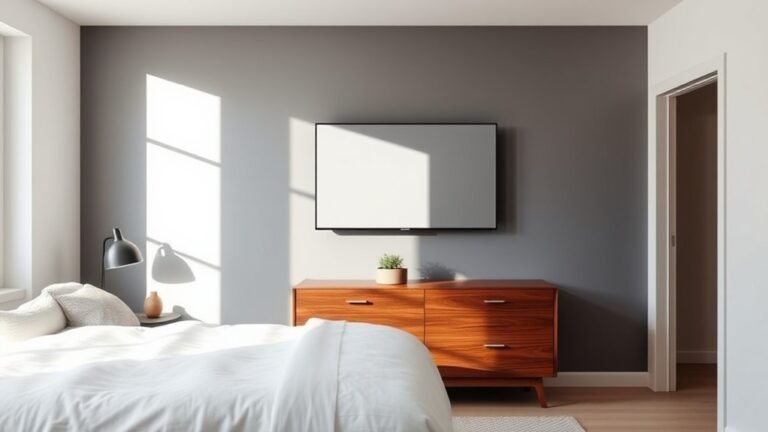
Wondering how a 32 inch TV fits into your living space? This size is quite versatile and works well in various rooms. In smaller bedrooms or offices, it won’t overwhelm the space, leaving plenty of room for other furniture.
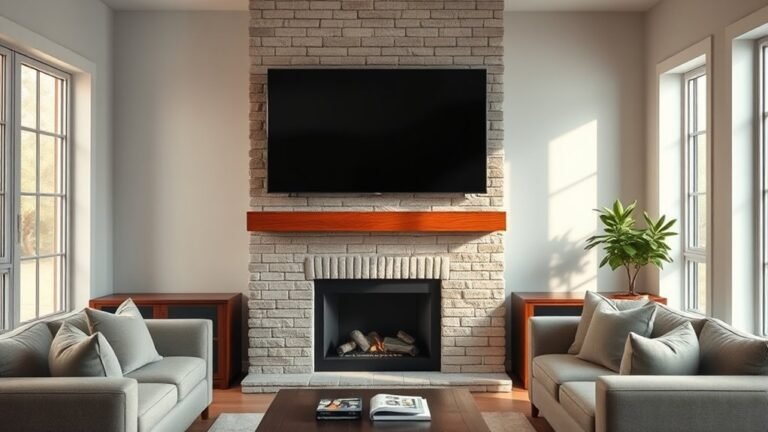
In kitchens or dorm rooms, it’s compact enough to mount on a wall or place on a shelf without crowding the area. Even in living rooms, if you have limited space or prefer a minimalist setup, a 32 inch TV can fit comfortably on a media console or corner stand.
Just make certain you have about 28 inches of width and 16 inches of height clearance for the screen itself, plus some extra space for ventilation and cables. This makes it an easy fit in most environments.
Room Layout Considerations
When arranging your room, consider how a 32 inch TV fits into different layouts to maximize both viewing comfort and space efficiency. This size is versatile, making it ideal for bedrooms, small living rooms, or kitchens.
You want the TV to be at eye level and about 4 to 6 feet away for the best experience. Think about wall mounting or placing it on a compact stand to save floor space.
Here’s how to optimize your room layout:
- Position the TV opposite your main seating to avoid neck strain.
- Use furniture that complements the TV size without overwhelming the space.
- Guarantee enough clearance around the TV for ventilation and easy access.
- Consider natural light sources to reduce glare on the screen.
These tips make your space cozy and practical.
Where to Put Your 32 Inch TV
Since a 32 inch TV offers a compact screen size, you have plenty of flexibility in choosing where to place it. You can mount it on a wall, set it on a TV stand, or even place it on a bookshelf.
Consider the viewing distance and angle to guarantee a comfortable experience. Also, think about room lighting to avoid glare on the screen.
| Location | Pros | Cons |
|---|---|---|
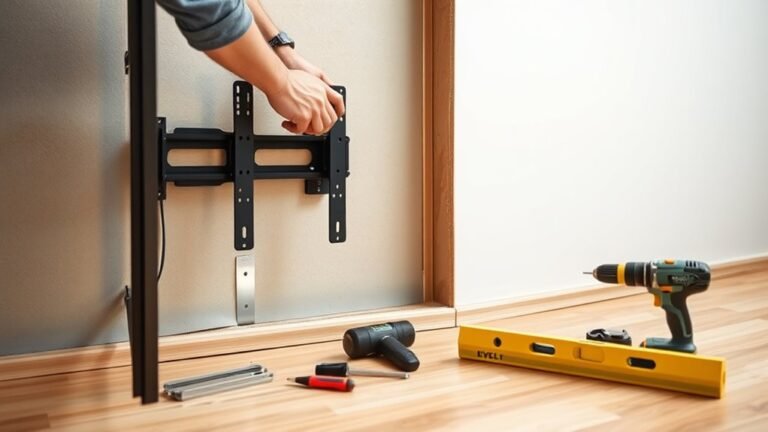
| Wall Mount | Saves space, clean look | Requires installation |
| TV Stand | Easy setup, portable | Takes surface space |
| Bookshelf | Utilizes existing furniture | May limit size options |
| Corner Shelf | Maximizes room corners | Viewing angle varies |
Choose the spot that best suits your room layout and viewing habits. It’s all about what works best for you!
Comparing 32 Inch TVs to Other Common Sizes
Although a 32 inch TV offers a smaller screen compared to larger models, it fits perfectly in spaces where bigger screens might overwhelm the room. When you compare it to other common sizes, you’ll notice distinct differences that impact your viewing experience and space usage.
A 24 inch TV feels compact and is ideal for tight spots, but 32 inches give you more immersive viewing without demanding much space.
Compared to a 40 inch TV, a 32 inch is more budget-friendly and fits smaller rooms better, though it sacrifices some screen real estate.
A 50 inch TV offers a cinematic feel but can dominate your space. So, 32 inches is a balanced choice.
For bedrooms or kitchens, 32 inches strike the perfect balance between size and comfort.
Frequently Asked Questions
What Is the Average Price Range for a 32 Inch TV?
You’ll usually find 32-inch TVs priced between $120 and $250, depending on the brand and features.
If you want smart capabilities or better resolution, expect to pay on the higher end of that range.
It really depends on what you’re looking for and how fancy you want your TV to be.
Do 32 Inch TVS Support 4K Resolution?
Imagine crisp, vibrant colors popping right in your living room. You’ll find some 32 inch TVs do support 4K resolution, but many stick to 1080p.
Are 32 Inch TVS Good for Gaming?
Yes, 32 inch TVs can be great for gaming, especially if you sit close. They offer sharp images and quick response times.
That said, you might miss out on immersive visuals compared to larger screens. But if space is tight or you prefer a more compact setup, they work really well.
What Types of Ports Are Available on 32 Inch TVS?
Think of your 32-inch TV as a tech hub; you’ll find HDMI, USB, and sometimes Ethernet ports. These let you connect gaming consoles, flash drives, or stream content effortlessly.
This keeps your setup versatile and ready for action. It’s all about making your entertainment experience smooth and hassle-free!
How Energy Efficient Are 32 Inch TVS?
You’ll find 32-inch TVs are generally energy efficient, using less power than larger models. They often have energy-saving modes and certifications like ENERGY STAR.
This helps you reduce electricity costs while enjoying a clear, vibrant picture. It’s a win-win!
Conclusion
You might think a 32-inch TV is too small for your space, but it’s perfect if you want a clear picture without overwhelming your room. It fits well in bedrooms, kitchens, or smaller living areas, giving you a cozy yet immersive viewing experience.
Plus, with the right viewing distance, you’ll enjoy every detail—proving that bigger isn’t always better when it comes to your TV size. A 32-inch TV offers a great balance between screen size and clarity, making it ideal for smaller spaces.
So, if you’re wondering how big is a 32 inch TV and whether it suits your needs, remember it delivers sharp images without taking up too much room. It’s a smart choice for anyone looking to maximize comfort and picture quality in compact areas.