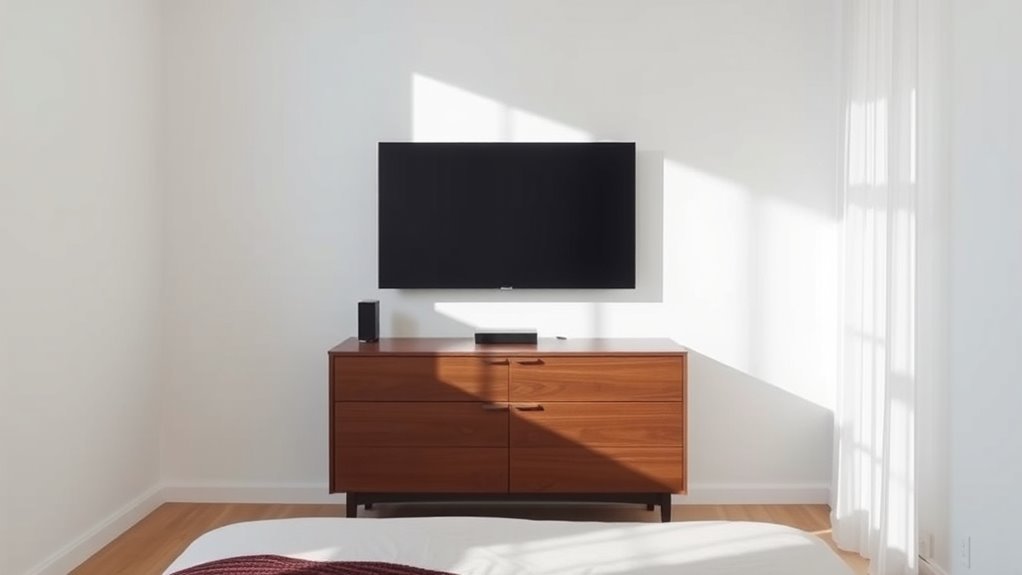
5 Tips for How High to Mount Bedroom TV
To mount your bedroom TV at the right height, start by measuring your typical viewing distance. Ideally, this should be about 1.5 to 2.5 times the TV’s diagonal size. Doing this helps ensure clear visuals without causing any eye strain.
Next, align the TV’s center with your eye level, which is usually between 42 to 48 inches from the floor. Don’t forget to consider your bed height and how you usually watch TV—whether sitting up or lying down. It makes a big difference in comfort.
Tilting the screen slightly downward can really help ease neck strain, especially during long viewing sessions.
Plus, using an adjustable mount is a smart move because you can easily change the height whenever you need to. Keep exploring these tips to perfect your bedroom TV setup!
Key Takeaways
- Measure your typical viewing distance and mount the TV so the screen is 1.5 to 2.5 times its diagonal size away. This helps make sure the picture looks just right without straining your eyes.
- Position the TV center at eye level when seated or lying down. Usually, this is about 42 to 48 inches from the floor, but it can vary depending on your setup.
- Adjust the mounting height based on your bed height and common viewing positions. This way, you get a natural, strain-free viewing experience every time.
- Tilt the TV slightly downward to line up with your eyesight. It’s a simple trick to reduce neck strain and make watching more comfortable.
- Use an adjustable mount so you can easily change the height and angle. This means you can switch up your viewing positions without needing to drill new holes.
Measure Viewing Distance for Your Bedroom TV

Before mounting your bedroom TV, you need to measure the viewing distance to guarantee a comfortable experience. Grab a tape measure and determine how far you’ll typically sit or lie from the screen.
This distance directly impacts the ideal TV size and placement height. Generally, the best viewing distance is about 1.5 to 2.5 times the diagonal size of your TV. For example, if your TV is 40 inches, sit roughly 60 to 100 inches away.
Measuring accurately helps prevent eye strain and assures you enjoy clear, immersive visuals. Once you know this distance, you can avoid mounting the TV too close or too far. That way, watching stays comfortable and you won’t miss details during your favorite shows and movies.
Find Your Ideal Eye Level to Mount the TV
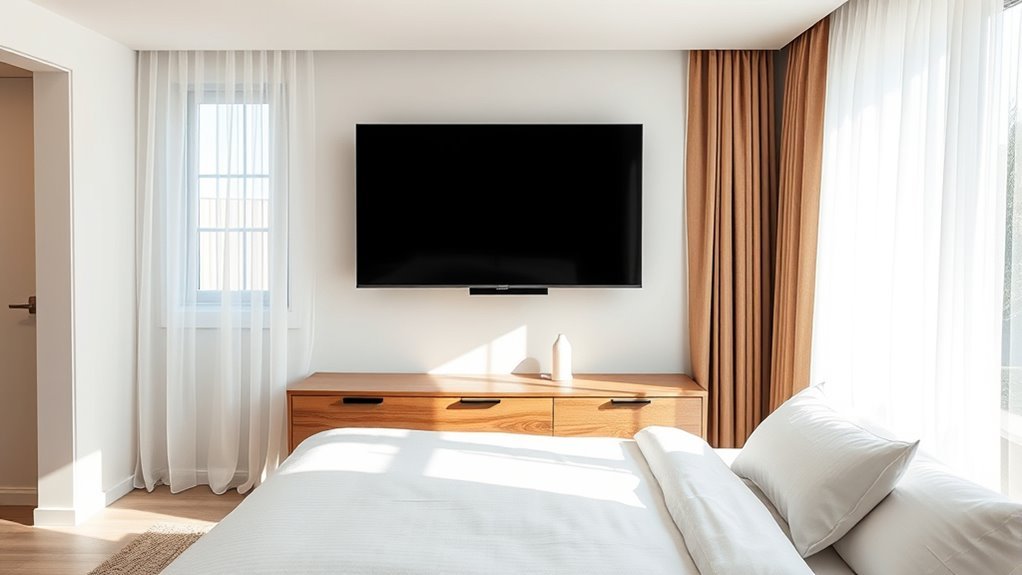
Once you know the ideal viewing distance, the next step is to determine the perfect eye level for mounting your TV. You’ll want the center of the screen to align with your eyes when you’re comfortably seated or lying down.
Typically, this means positioning the TV so the center is about 42 to 48 inches from the floor, but this varies depending on your height and seating arrangement. To find your ideal height, sit or lie where you usually watch and measure the distance from the floor to your eyes.
Mount the TV so its center matches this measurement. This setup reduces neck strain and enhances comfort, making your viewing experience more enjoyable.
Consider Bed Height and Viewing Positions
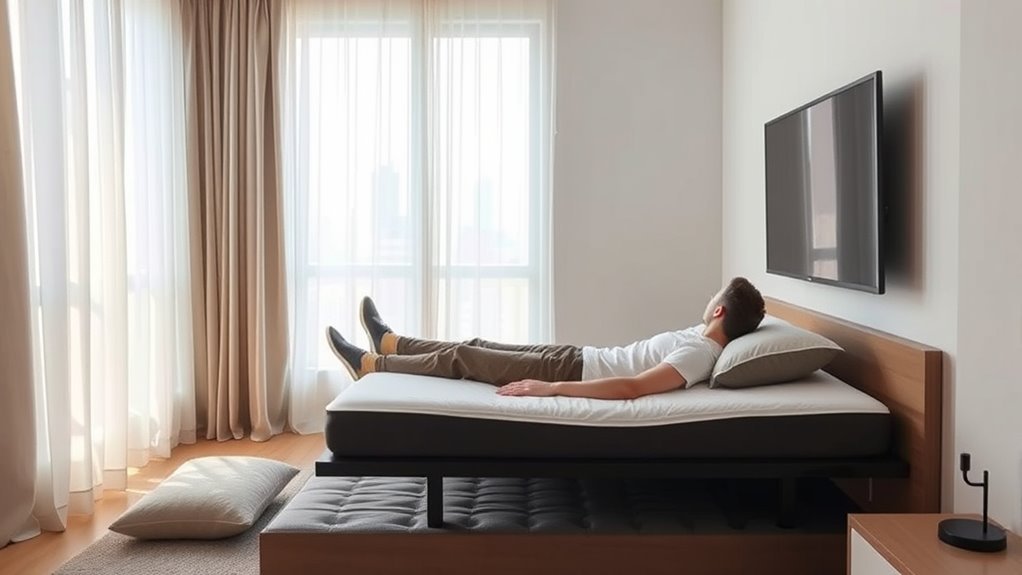
Since your bed height directly affects your line of sight, you’ll want to factor it in when choosing where to mount your TV. Measure from your mattress surface up to your eye level when you’re comfortably seated or reclining. This helps guarantee the screen won’t be too high or low, which can cause discomfort.
Also, consider different viewing positions—whether you watch sitting up, lying down, or propped with pillows—since each angle changes how you see the TV. If your bed is adjustable, try testing various heights before mounting.
Finally, keep in mind that mounting height should accommodate the most common position you use to watch TV, so you enjoy a clear, natural view every time without straining your neck or eyes.
Tilt Your TV to Avoid Neck Strain
Adjusting your TV’s mounting height based on your bed position is just part of the comfort equation. Tilting your TV downward can markedly reduce neck strain, especially when you’re lying down or reclining.
Without the right tilt, you might find yourself constantly craning your neck, leading to discomfort over time. Most modern wall mounts allow you to angle the screen to match your natural line of sight.
Aim for a slight downward tilt so your eyes naturally meet the center of the screen without forcing your head forward or backward. This simple adjustment enhances your viewing experience, making it easier to relax and enjoy your favorite shows.
Choose Adjustable Wall Mounts for Easy Height Changes
When you want to change your TV’s height without hassle, choosing an adjustable wall mount is key. These mounts let you raise, lower, or tilt your TV easily, so you can find the perfect viewing angle anytime.
Whether you’re switching from sitting up to lying down or rearranging your furniture, an adjustable mount keeps your setup flexible. It saves you from drilling new holes or buying a different mount.
Plus, many models offer smooth, secure adjustments without tools. When shopping, look for mounts with sturdy build quality and easy-to-use mechanisms.
This way, you’ll enjoy ideal comfort and protect your TV from damage. Ultimately, an adjustable mount helps you customize your bedroom entertainment experience effortlessly and keeps your space neat and functional.
Frequently Asked Questions
What Is the Best TV Size for a Bedroom?
The best TV size for your bedroom depends on your viewing distance. Generally, a 32 to 55-inch TV works well.
You’ll want a size that’s comfortable to watch without straining your eyes or overwhelming the space. It’s all about finding that sweet spot where you can enjoy your shows without any hassle.
How Do I Hide TV Cables on the Wall?
You can hide TV cables by using cable raceways or cord covers painted to match your wall. These options blend right in and keep things neat.
Alternatively, you could run cables inside the wall with an in-wall cable management kit. This gives you a clean, clutter-free look you’ll love. It’s a bit more work but totally worth it!
Can I Mount a TV on a Brick or Concrete Wall?
Of course, you can mount a TV on brick or concrete—because who doesn’t love drilling into a rock?
Just grab the right anchors and a sturdy mount, and you’ll have your screen stuck like a pro. Easy peasy!
What Type of TV Mount Is Safest for Kids?
You’ll want a fixed or tilting TV mount for safety, as they keep the TV securely against the wall. Avoid swivel or full-motion mounts, which can be pulled or bumped.
Always use proper anchors and safety straps. They really make a difference in keeping everything stable and secure.
How Do I Clean and Maintain a Wall-Mounted TV?
You might be surprised how simple it is—just power off and unplug your TV first. Then, gently wipe the screen with a microfiber cloth, avoiding sprays.
Regular dusting keeps it pristine and prolongs its life effortlessly. It’s really easy once you get into the habit!
Conclusion
Mounting your bedroom TV at the right height is like finding the perfect sweet spot in a song—it makes all the difference. By measuring your viewing distance and aligning the screen with your eye level, you set yourself up for comfort.
Also, consider your bed height and whether you want to tilt the TV. Choosing adjustable mounts can add even more flexibility to your setup. These small details really change how enjoyable your viewing experience is.
Trust me, when you follow these simple tips for how high to mount your bedroom TV, you’ll avoid neck strain and never have to squint again while relaxing in bed. It’s all about creating that perfect balance between comfort and functionality. So go ahead, take these tips to heart, and enjoy your favorite shows in total comfort!