How to Measure a TV in 5 Easy Steps
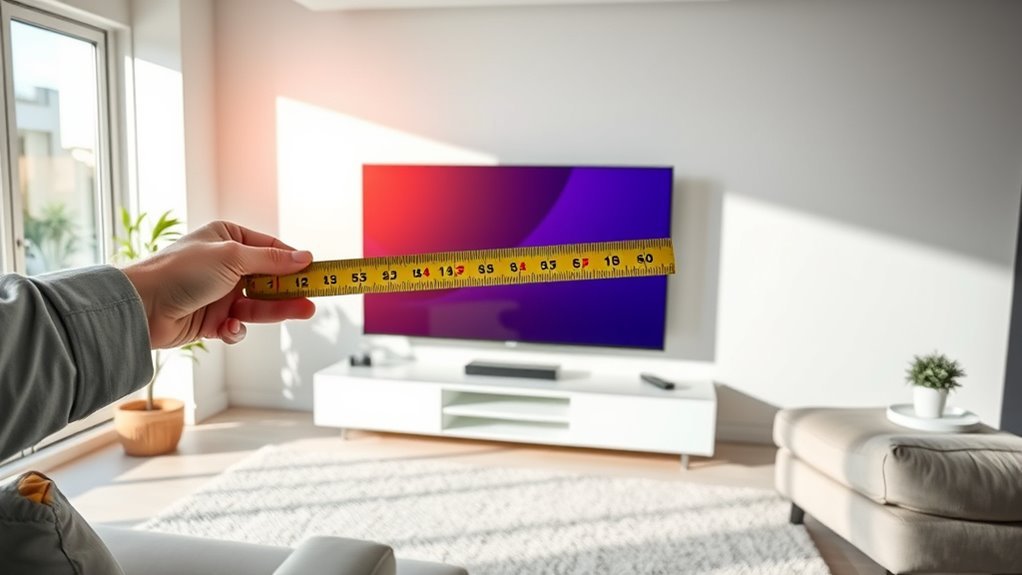
To measure your TV in five easy steps, start by measuring the diagonal screen size from one corner to the opposite, excluding the bezel. This diagonal measurement is what most people refer to when they talk about TV size.
Next, measure the screen’s width and height to ensure it fits perfectly in your space.
Then, check the depth of the TV and the stand size, including any port protrusions that might affect placement. It’s important to consider these dimensions so your TV sits comfortably on your furniture.
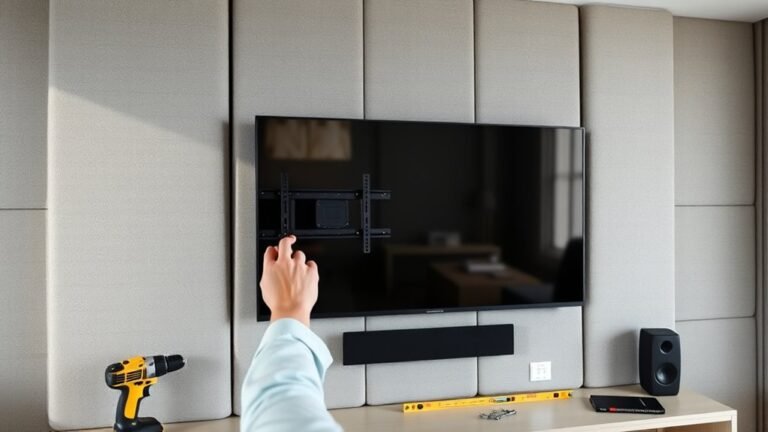
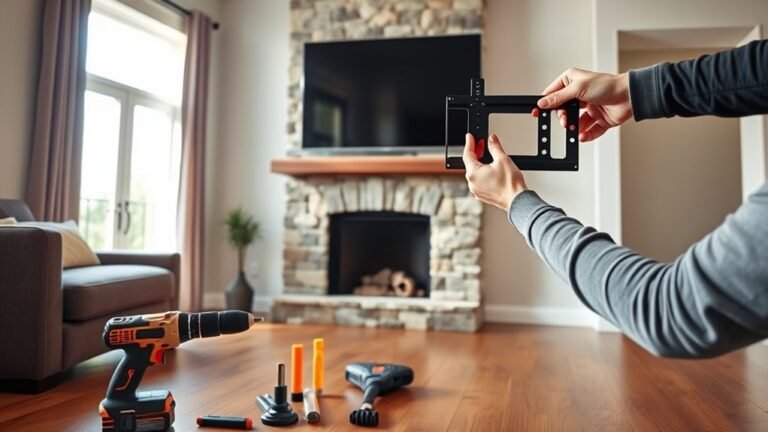
After that, measure your wall space and the VESA mount pattern if you plan to install the TV on the wall.
Finally, use all these measurements to choose the perfect TV size for your room and viewing comfort. Taking these steps will help you avoid surprises and make your viewing experience much better.
Keep going to uncover helpful tips for mounting and placement.
Key Takeaways
– Measure the diagonal screen size from one corner to the opposite corner, excluding the bezel.
This gives you the actual screen size without the frame getting in the way.
– Measure the visible screen width and height, excluding the frame or bezel.
These measurements help you understand the exact viewing area you’ll get.
– Measure the TV’s depth including ports and connectors when placed on a flat surface.
You want to make sure it fits where you plan to put it.
– Measure the wall space and check for obstructions if planning to mount the TV.
This step is super important to avoid surprises during installation.
– Record the VESA mounting pattern to ensure compatibility with the wall mount.
This way, your wall mount will fit perfectly with your TV.
Measure Diagonal Screen Size
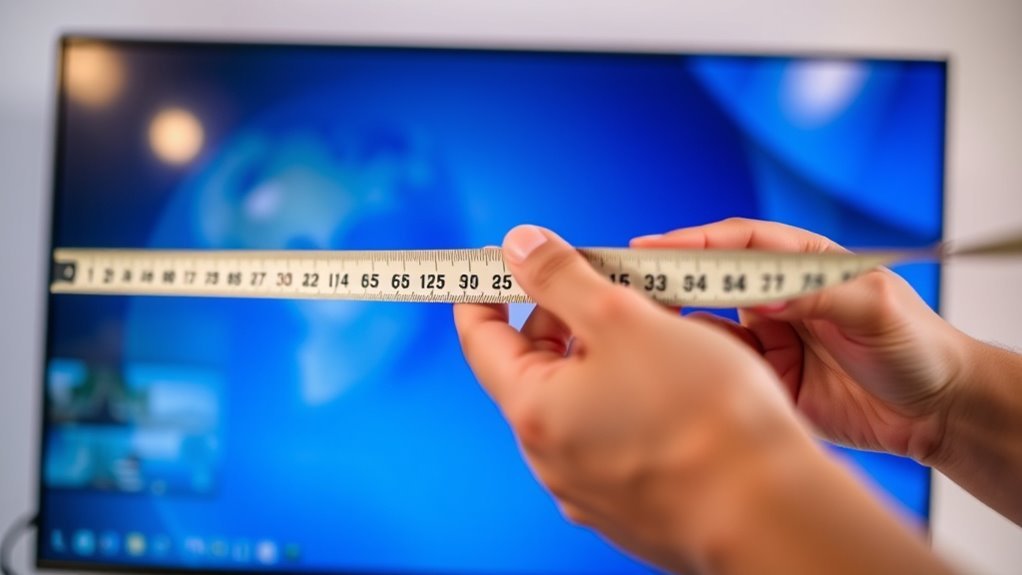
Before you begin, grab a tape measure or a ruler. To measure your TV’s diagonal screen size, start at one corner of the screen—not the frame—and stretch the tape or ruler diagonally to the opposite corner.
Make sure you’re measuring just the screen itself, excluding the bezel or frame around it. This diagonal measurement is what manufacturers use to describe TV size. Hold the tape straight for an accurate reading.
Measure only the screen, not the frame, for an accurate TV size measurement.
If you get a measurement like 42 inches, that means you have a 42-inch TV. This number helps you compare TVs and find the right fit for your space.
Keep your measurement handy; it’s key for buying the correct TV stand or wall mount later on.
Measure TV Width and Height
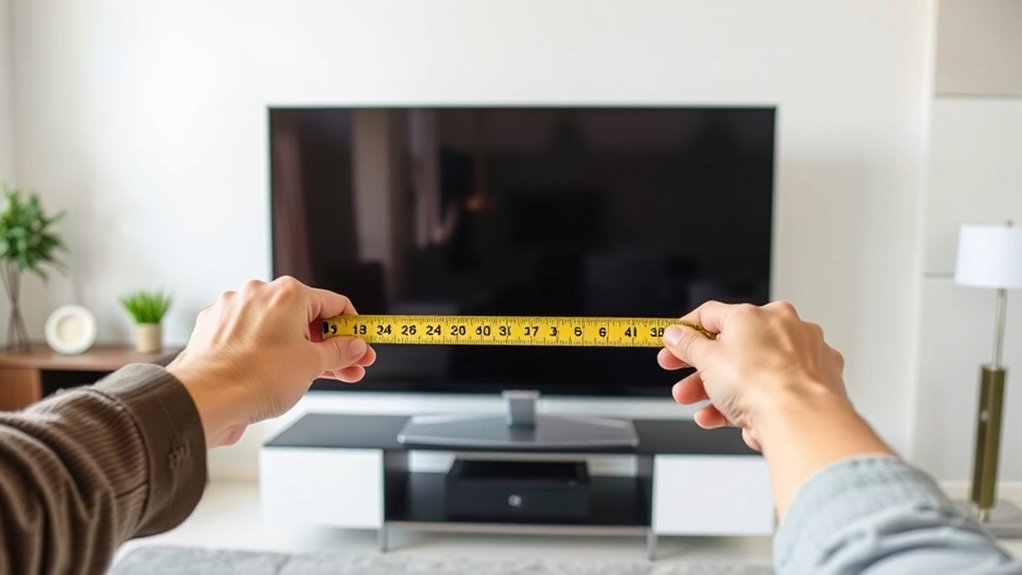
Once you’ve got the diagonal measurement, you’ll want to measure the width and height of your TV screen to get a complete understanding of its size. Use a tape measure, starting at one edge of the screen and stretching straight across to the opposite edge for the width.
Be sure to measure only the visible screen, not the frame or bezel. Next, measure the height by placing the tape measure at the bottom edge of the screen and extending it to the top edge.
Recording these dimensions helps you determine if the TV fits your space and matches your viewing preferences. Keep your measurements handy when shopping or comparing TVs to make smart, informed decisions about your next purchase.
Measure Depth and Stand Size
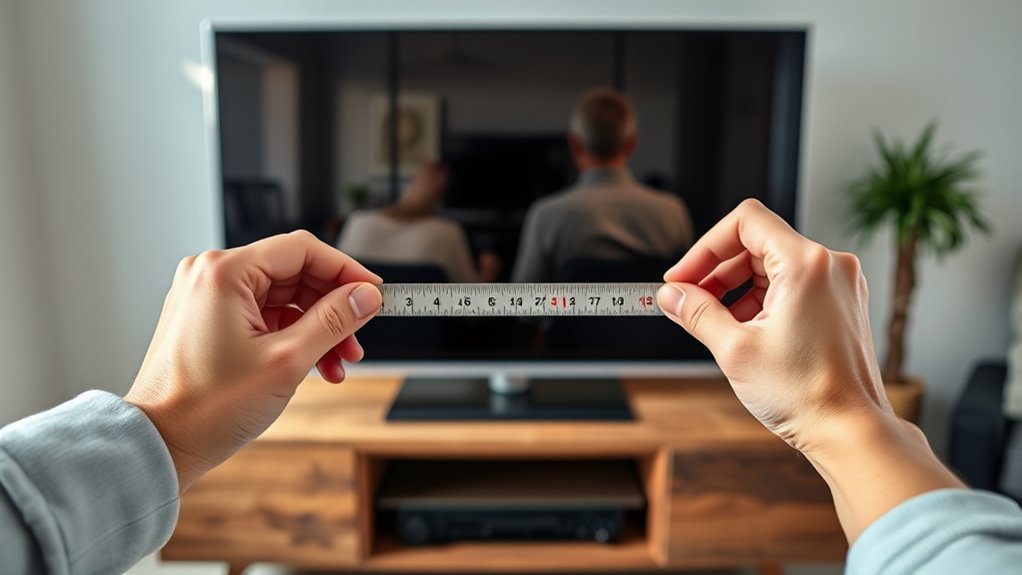
To get a full picture of your TV’s size, measure its depth and the dimensions of its stand. Start by placing the TV on a flat surface. Use a tape measure to record the distance from the front of the screen to the back of the TV, including any protrusions like ports or connectors.
This depth measurement is vital for fitting the TV in cabinets or on shelves. Next, focus on the stand. Measure its width and depth, as the stand often extends beyond the TV’s base.
Knowing these dimensions guarantees the stand fits on your furniture without overhang or instability. By accurately measuring both depth and stand size, you’ll avoid surprises and make sure your TV fits perfectly in your space.
Measure for Mounts and Wall Space
When planning to mount your TV, make sure you measure the wall space carefully to guarantee a proper fit. First, measure the width and height of the area where the TV will hang, ensuring there’s enough clearance around it for ventilation and access to cables.
Next, check the wall’s surface for obstructions like light switches or shelves. Also, measure the distance between the TV’s mounting holes (VESA pattern) to match your mount.
Don’t forget to contemplate the mount’s depth, especially if you want a low-profile look. Finally, confirm your wall can support the TV’s weight and the mount.
Taking these measurements helps you choose the right mount and ensures your TV fits perfectly on the wall without any surprises.
Use Measurements to Pick the Right TV
Measuring your wall space and mount requirements sets a solid foundation for choosing the right TV. Once you have these measurements, match them against TV sizes to guarantee a perfect fit.
Don’t forget to contemplate viewing distance, as it influences the ideal screen size. Use your measurements to avoid buying a TV that’s too big or small for your space.
Here’s a quick guide to help:
| Viewing Distance (ft) | Recommended TV Size (in) |
|---|---|
| 4-6 | 40-50 |
| 6-8 | 50-60 |
| 8-10 | 60-70 |
| 10+ | 70+ |
Use this table alongside your wall measurements to pick a TV that fits both your space and viewing comfort. It’s all about finding that perfect balance!
Frequently Asked Questions
How Do I Measure a Curved TV Screen Accurately?
You measure a curved TV screen diagonally from one corner of the viewable screen to the opposite corner, following the curve. Use a flexible tape measure to get an accurate length along the screen’s surface.
It’s important to follow the curve closely because a straight line won’t give you the true size. Just take your time and make sure the tape stays snug against the screen.
Can TV Measurements Affect Sound Quality?
Yes, TV measurements can affect sound quality because speaker placement and TV size influence audio projection.
If your TV is too close to walls or corners, sound may echo or muffle. So, proper positioning helps improve your audio experience.
What Tools Are Best for Measuring a TV?
You’ll want a tape measure or a ruler for accuracy, plus a level to guarantee straightness.
A soft measuring tape works well for curved edges, and a notepad helps jot down dimensions quickly and clearly.
It’s handy to have everything ready before you start measuring, so you don’t lose track. Just keep it simple and take your time!
How Do TV Bezel Sizes Impact Measurements?
When measuring, don’t let the bezel throw you off—it adds extra width and height beyond the screen. You’ll want to include the bezel to get the full size.
That way, your measurements aren’t just half the battle. It makes sure you know the true dimensions of your TV.
Should I Measure TV Ports and Cable Space?
Yes, you should measure TV ports and cable space to guarantee proper fit and accessibility. This helps avoid tight spots and lets you connect cables easily.
It also prevents damage or strain on ports when setting up your TV. So, taking a little extra time to measure can save you a lot of hassle later.
Conclusion
Measuring your TV is like mapping a treasure chest—you need the right clues to find the perfect fit. By measuring the diagonal, width, height, depth, and wall space, you’re revealing the secrets to a flawless viewing experience.
Just as a captain charts a course before setting sail, you’re preparing your space for a journey of entertainment. With these steps, you’ll confidently choose a TV that feels like it was made just for your home.
Taking the time to measure your TV accurately ensures it fits perfectly in your room, whether on a stand or mounted on the wall. Measuring the right dimensions helps you pick a TV that not only looks great but also enhances your viewing comfort. So, follow these simple steps, and you’ll enjoy a seamless setup that transforms your space with the perfect TV size and placement.