How High Should I Mount a 65 Inch TV €“ 7 Tips for Perfect Placement
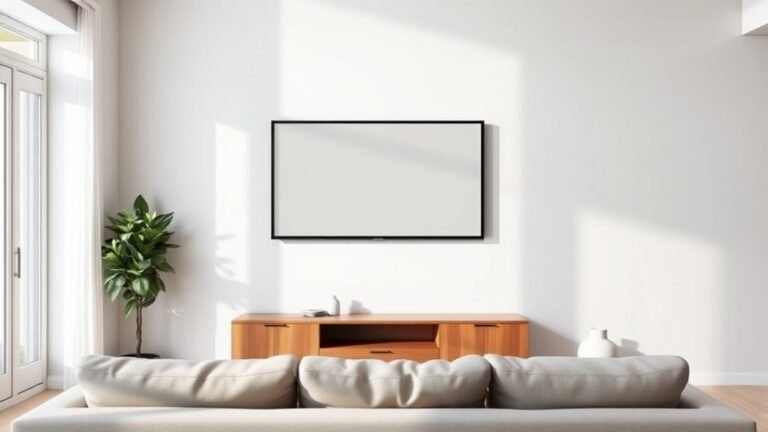
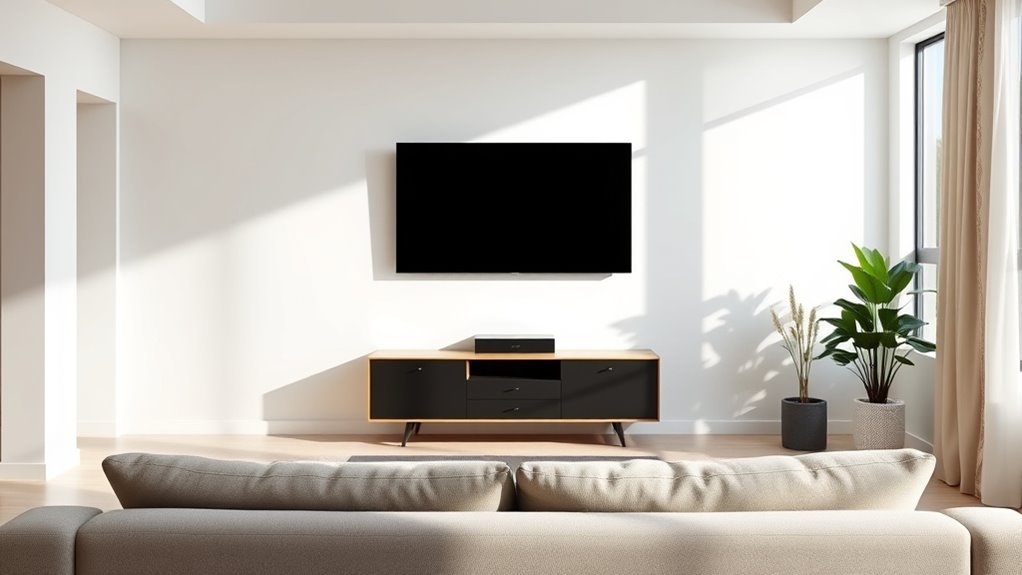
You should mount your 65-inch TV so its center is at your eye level when seated. Usually, this means placing the bottom edge about 24 to 30 inches from the floor.
This setup reduces neck strain and improves picture clarity. Getting the height right is key for a comfortable and enjoyable viewing experience.
Make sure the wall is sturdy and free from glare, so nothing distracts you while watching. Also, consider adjustable mounts—they give you flexibility if you have different seating spots or want to change the angle later on.
Positioning your TV just right can truly transform your viewing comfort.
There’s plenty more to learn about optimizing your setup, from choosing the best wall to managing cables neatly.
Taking a little extra time to plan your TV placement will pay off with a much better home theater feel.
Key Takeaways
– Mount the TV so its center aligns with your eye level, which is usually around 42 inches from the floor when you’re seated.
This helps keep your neck comfortable and your viewing experience enjoyable.
– Place the bottom of the 65-inch TV about 24 to 30 inches above the floor.
Adjust this based on your seating height and how big your room is.
– Use adjustable or tilting mounts to help reduce glare.
They also let you fine-tune the angle for different seating spots or multiple viewers.
– Keep a viewing distance of about 8 to 13.5 feet.
That’s roughly 1.5 to 2.5 times the diagonal size of your TV, which is ideal for a 65-inch screen.
– Pick a sturdy, glare-free wall that’s easy to reach power outlets and cable connections.
This way, your TV will be secure and your setup clean.
How to Measure the Ideal Height for Your 65-Inch TV

Before you mount your 65-inch TV, you’ll want to measure the ideal height to guarantee comfortable viewing. Start by sitting in your usual spot and measuring the distance from the floor to your eye level.
This measurement helps you figure out where the center of the TV screen should be. Next, measure the height of your TV and divide it by two to find the center point.
Then, subtract this half-height from your eye-level measurement to get the mounting height for the bottom of the TV. Mark this spot on your wall.
It’s a good idea to double-check by simulating the TV’s placement with tape or cardboard. This simple method helps you avoid neck strain and makes your viewing experience way better—without any guessing or trial and error.
Why You Should Mount Your 65-Inch TV at Eye Level
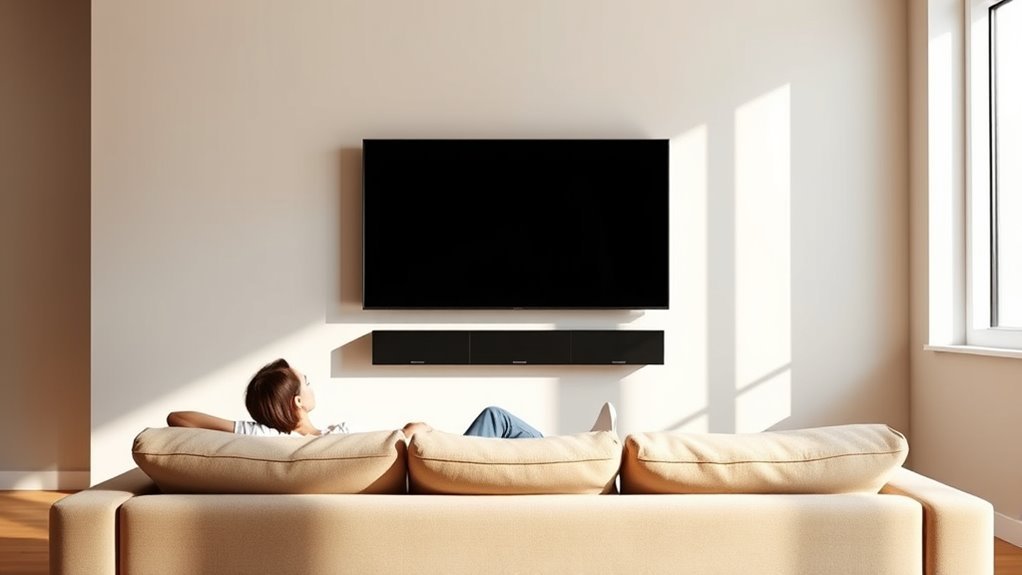
When you mount your 65-inch TV at eye level, you reduce neck and eye strain during long viewing sessions. Your neck stays in a natural, relaxed position, preventing discomfort and fatigue that come from constantly looking up or down.
This placement also helps your eyes focus more easily, minimizing strain and making the picture clearer and more enjoyable. Mounting the TV at eye level guarantees you have the best viewing angle, so colors and contrast appear as the creators intended.
Plus, it keeps your posture healthier, especially if you watch TV frequently. By aligning the center of the screen with your eyes when seated, you create a comfortable, immersive experience that lets you enjoy your favorite shows and movies without unnecessary physical stress.
How Viewing Distance Affects Your 65-Inch TV Mounting Height
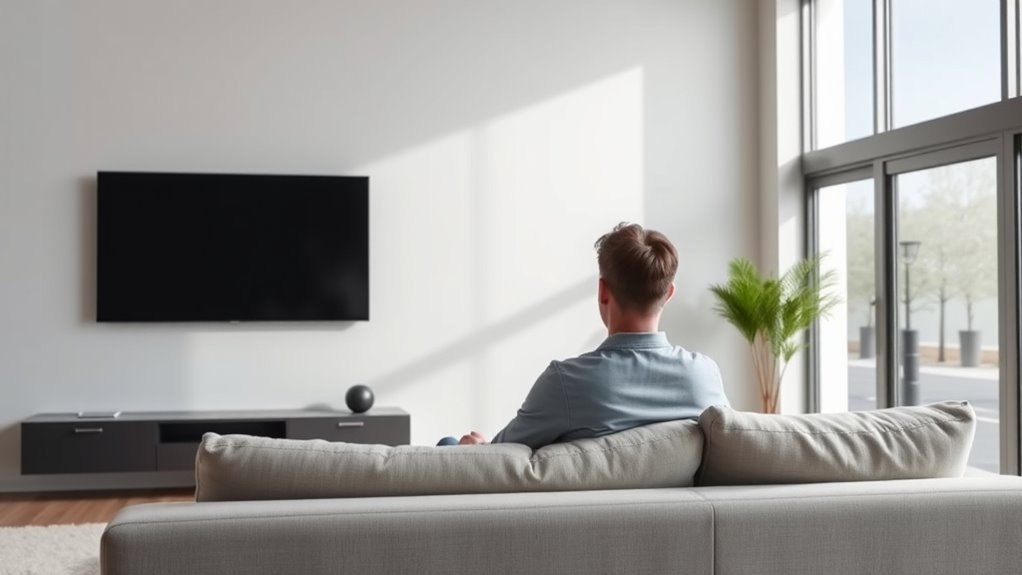
Your viewing distance plays a big role in where you mount your 65-inch TV. You’ll want to keep the screen at eye level while considering how far you sit to avoid neck strain.
Plus, the size of your room will influence the best height for a comfortable, immersive experience. It’s all about finding that sweet spot where you can enjoy your TV without any discomfort.
Optimal Viewing Distance
Since the ideal viewing distance directly influences how comfortable you feel watching your 65-inch TV, it plays an essential role in determining the ideal mounting height. If you sit too close or too far, your neck and eyes may strain, ruining your viewing experience.
To find the *best* distance, consider these points:
- Aim for a distance about 1.5 to 2.5 times the diagonal size of your TV — for a 65-inch screen, that’s roughly 8 to 13.5 feet.
- Adjust the height so your eyes naturally align with the center of the screen at this distance.
- Keep in mind the room layout; if you’re forced to sit closer or farther, tweak the mount height accordingly.
This balance ensures you enjoy sharp visuals without discomfort.
Eye Level Alignment
Although finding the right viewing distance matters, aligning the center of your 65-inch TV with your eye level is just as essential for comfort. When you sit down, your eyes should naturally meet the middle of the screen without needing to tilt your head up or down.
This alignment reduces neck strain and enhances your viewing experience. Keep in mind that your eye level varies depending on your seating height and posture, so measure from the floor to your eyes while seated.
Then, adjust your TV mount height accordingly, considering the ideal viewing distance you’ve chosen. By matching your eye level with the TV’s center, you create a more immersive and comfortable setup that lets you enjoy movies and shows without discomfort or distraction.
Room Size Considerations
Finding the right height for your 65-inch TV doesn’t stop at matching eye level—it also depends on how far you sit from the screen. The size of your room directly influences your viewing distance, which affects the ideal mounting height.
To optimize your setup, consider these points:
- Short Distance (6-8 feet): Mount the TV slightly lower to keep your eyes aligned with the middle of the screen, reducing neck strain.
- Medium Distance (8-12 feet): Aim for eye level or just a bit higher, balancing comfort and visibility.
- Long Distance (12+ feet): You can mount the TV higher since you’ll be viewing from a seated or reclined position, minimizing the need for perfect eye-level alignment.
How to Choose the Best Wall for Mounting Your 65-Inch TV
When selecting the best wall to mount your 65-inch TV, you’ll want to take into account both the room’s layout and how you plan to use the space. Choose a wall that offers a clear, unobstructed view from your main seating area.
Avoid walls with direct sunlight or glare, as this can really mess with your viewing experience. Also, think about how close the wall is to power outlets and cable connections to keep wires tidy and easy to reach.
If your room has multiple focal points, go for the wall that naturally draws attention without overcrowding the space. And don’t forget to make sure the wall is sturdy enough to support your TV’s weight—studs in drywall or a solid brick wall are usually your best bet.
This careful selection sets the foundation for comfortable, enjoyable viewing.
Using a Mounting Template to Get Your 65-Inch TV Placement Right
Before drilling any holes, you’ll want to use a mounting template to guarantee your 65-inch TV sits perfectly on the wall. A mounting template helps you mark exact positions for screws and studs, avoiding costly mistakes.
Here’s how to use it effectively: First, align the template with the wall studs using a stud finder to ensure secure mounting. Then, level the template carefully with a spirit level to make sure your TV won’t tilt.
Mark all drill points clearly, and don’t forget to double-check measurements before proceeding. Using a template saves time and ensures your TV is centered and balanced.
Mark drill points clearly and double-check measurements to ensure your TV is perfectly centered and balanced.
It’s a simple step that prevents misalignment and keeps your installation clean and precise. Plus, it gives you confidence before the actual mounting begins.
How to Adjust 65-Inch TV Height for Different Seating Arrangements
To get the best view, you’ll want your 65-inch TV’s center to align with your eye level when seated. Keep in mind that the distance between your seats and the TV affects how high you should mount it.
Using an adjustable mount can help you fine-tune the height based on different seating arrangements. That way, everyone gets a comfortable view no matter where they sit.
Eye Level Viewing
How do you guarantee your 65-inch TV sits at the perfect height for comfortable viewing? The key is aligning the screen’s center with your eye level. This reduces neck strain and enhances immersion.
To adjust for different seating arrangements, follow these steps:
- Measure the eye height of the primary seating position while seated.
- Position the TV so the center of the screen matches this height.
- If you have multiple seating areas, average their eye heights or prioritize the main viewing spot.
It’s really all about making sure you’re comfortable while watching. Once you get the height right, your viewing experience will improve a lot!
Seating Distance Impact
Where you sit in relation to your 65-inch TV plays a big role in determining the ideal mounting height. If you’re seated close, like within 6-8 feet, you’ll want the center of the screen to align directly with your eye level to reduce neck strain.
For seating further away, say 10 feet or more, you can position the TV slightly higher since your viewing angle naturally shifts upward. Also, consider how many seating positions you have—if your couch is centered but you have side chairs, find a height that balances comfort across all spots.
Adjusting the height based on seating distance ensures you get the best picture clarity and comfort without constantly tilting your head up or down. This small tweak makes a big difference in your overall viewing experience.
Adjustable Mount Options
Although mounting your 65-inch TV at a fixed height can work for most situations, adjustable mounts give you the flexibility to quickly change the screen’s position based on who’s watching and from where.
These mounts allow you to tilt, swivel, or raise and lower the TV, ensuring ideal viewing angles for every seating arrangement. When choosing an adjustable mount, consider these key benefits:
- Ergonomic comfort – Adjust the height to prevent neck strain whether you’re sitting on a couch or a recliner.
- Versatility – Easily switch between different rooms or seating setups without remounting.
- Glare reduction – Tilt the TV to avoid reflections from windows or lights at different times of day.
With an adjustable mount, you can enjoy a perfect view anytime, tailored exactly to your space and preferences. It’s all about making your viewing experience just right for you.
Simple Tips to Avoid Neck Strain When Mounting Your 65-Inch TV
To prevent neck strain when mounting your 65-inch TV, you’ll want to position the screen at eye level or slightly below. This placement lets you watch comfortably without tilting your head up or down.
Use a stud finder to mount the TV securely at the right height, ensuring it won’t shift or sag over time. If your seating varies in height, consider a tilting or adjustable wall mount to fine-tune the angle.
Keep your primary viewing spot about 8 to 10 feet from the screen to reduce eye and neck fatigue. Finally, sit back with good posture—avoid slouching or leaning forward.
Following these simple tips will help you enjoy your TV without discomfort or neck strain.
Frequently Asked Questions
What Type of Wall Mount Is Best for a 65-Inch TV?
You’ll want a full-motion wall mount for your 65-inch TV; it lets you tilt, swivel, and extend the screen for the best viewing angles.
Make sure it supports your TV’s weight and VESA pattern for a secure fit. That way, you’re all set for a safe and flexible setup.
Can I Mount a 65-Inch TV on Drywall Without Studs?
Sure, you *could* mount your 65-inch TV on drywall without studs—if you enjoy living on the wild side with a potential TV crash.
But honestly, that’s not the safest bet.
Instead, grab proper anchors or find studs to keep your screen safe and sound.
How Do I Hide Cables After Mounting My TV?
You can hide cables by using in-wall cable management kits, adhesive cable covers, or raceways. These options keep wires organized and out of sight, giving your mounted TV a clean, sleek look without visible clutter.
It’s pretty simple to do, and it makes a big difference in how your setup looks. Plus, it helps prevent tripping over loose wires or accidentally unplugging something.
What Tools Do I Need to Mount a 65-Inch TV?
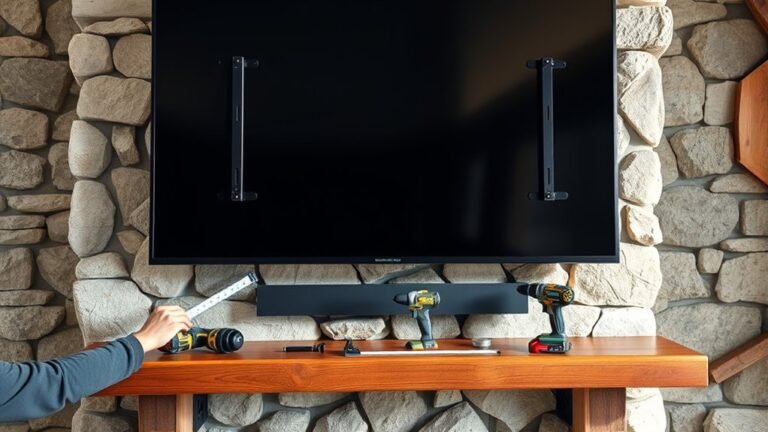
You’ll need a stud finder, drill, screwdriver, level, tape measure, pencil, and the mounting bracket that fits your 65-inch TV.
Don’t forget wall anchors if you’re not drilling into studs for a secure hold.
It might sound like a lot, but having these tools will make the whole process way easier.
Plus, you’ll get your TV mounted safely and looking great in no time!
Is It Safe to Mount a 65-Inch TV Above a Fireplace?
You can mount a 65-inch TV above a fireplace, but be cautious. Heat and smoke can damage it, so guarantee proper insulation and ventilation.
Also, mount it at a comfortable eye level to avoid neck strain. You don’t want to be craning your neck every time you watch TV!
Conclusion
Mounting your 65-inch TV too high might make it feel like you’re staring at the sky, while too low can leave you constantly looking down. Finding that perfect eye-level spot creates a comfortable, immersive experience without neck strain.
Remember, balancing viewing distance with your seating arrangement transforms your TV time from awkward to amazing. So, don’t just pick a wall—choose a height that brings comfort and clarity together for every viewing session.
When you mount your 65-inch TV at the right height, you’re not just improving comfort—you’re enhancing your entire viewing experience. The key is to keep the center of the screen roughly at eye level when seated. This way, you avoid neck strain and get the best picture clarity. So, whether you’re binge-watching your favorite shows or hosting a movie night, proper TV placement makes all the difference. Mounting your TV correctly ensures you enjoy every moment with optimal comfort and visual quality.