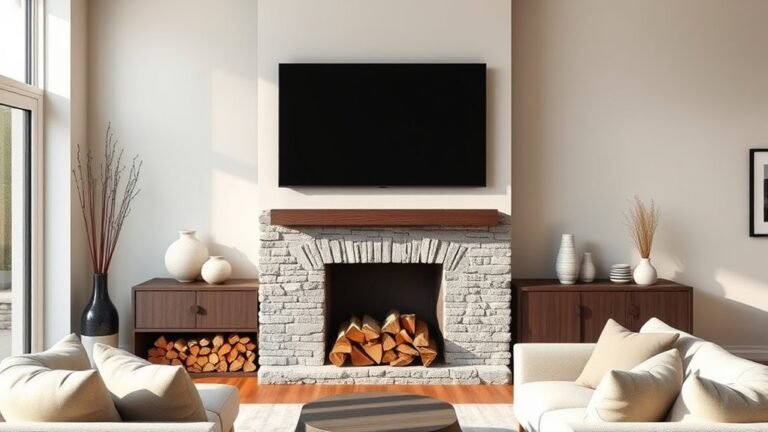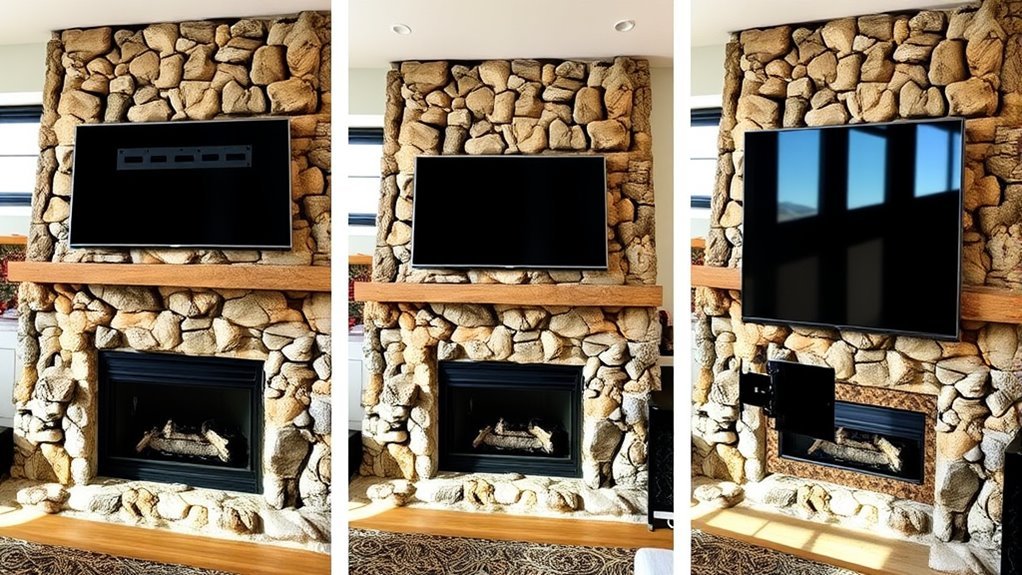
How to Mount TV on Rock Fireplace in 3 Easy Steps
To mount your TV on a rock fireplace in three easy steps, start by choosing a sturdy, adjustable mount designed specifically for uneven surfaces. Make sure the mount supports your TV’s weight to keep everything secure and safe.
Next, gather the right tools like a hammer drill and a level. Take some time to clean and inspect the rock surface to ensure it’s stable enough for mounting.
Finally, carefully drill and attach the mount to the fireplace. Then, mount your TV and double-check that it’s level and firmly locked in place.
Keep going to discover how to guarantee a safe, lasting setup that looks great and stays put.
Key Takeaways
- Choose a sturdy, adjustable mount that’s suitable for uneven rock surfaces. Make sure it’s compatible with your TV’s size and weight.
- Locate solid spots on the fireplace by using a masonry scanner. Then, prepare the surface by cleaning it and checking for stability.
- Use a hammer drill with a masonry bit to drill precise holes into the rock. This will help ensure a secure mounting.
- Attach the mount firmly with bolts and a wrench. Be sure it is level and stable before you hang the TV.
- Hang the TV on the mount and check that it’s straight with a level. Finally, secure all safety locks or screws to keep it safe.
Choose the Right Mount for Your Rock Fireplace
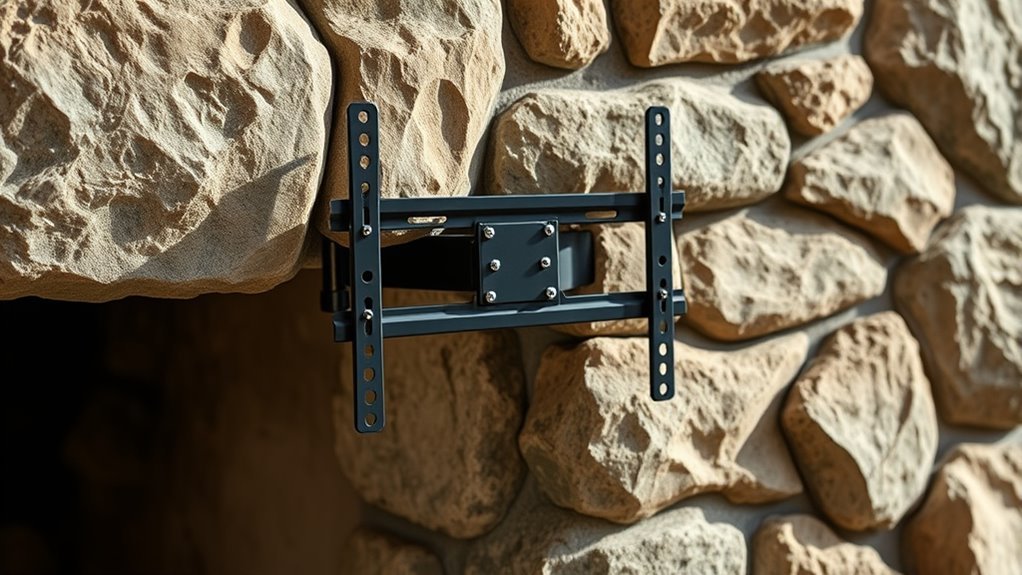
Before you start drilling into your rock fireplace, you’ll need to choose the right mount that can securely hold your TV’s weight and fit the uneven surface. Opt for a mount specifically designed for irregular or rough textures, like adjustable or articulating mounts. These let you angle and level your TV despite the rock’s natural bumps.
Check your TV’s size and weight limits on the mount’s specifications to guarantee a safe fit. Avoid standard flat mounts since they won’t accommodate the uneven rock, risking instability.
Also, look for mounts with sturdy materials like steel to handle the weight and potential stress from the fireplace’s surface. Choosing the right mount upfront saves you from costly mistakes and assures your TV stays secure and perfectly positioned.
Gather Tools and Prepare the Fireplace Surface
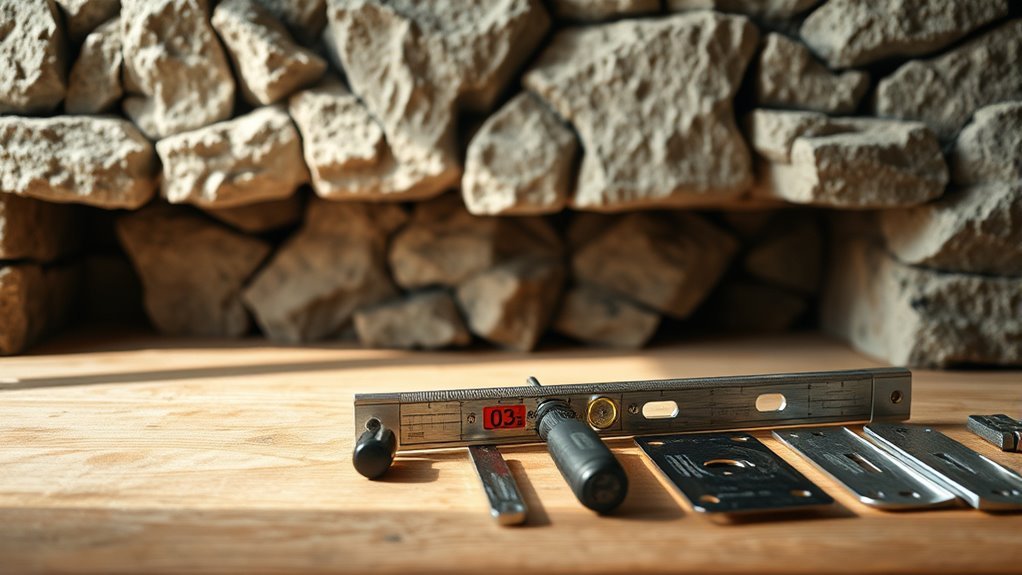
Although mounting on rock can be challenging, gathering the right tools and prepping the surface will make the job much smoother. You’ll want to guarantee the rock is clean and stable before you begin.
Mounting on rock is tricky, but proper tools and surface prep ensure a smooth, secure installation.
Start by assembling essential tools and taking safety precautions.
Here’s what you’ll need:
- Hammer drill with masonry bit for precise holes
- Stud finder or masonry scanner to locate solid spots
- Level to keep the mount straight
- Safety glasses and gloves for protection
Next, clean the fireplace surface thoroughly with a brush and mild detergent to remove dust and debris.
Check the rock for loose stones or cracks; repairing these will provide a secure base for your mount. With these steps, you’re set to move forward confidently.
Secure the Mount and Attach Your TV
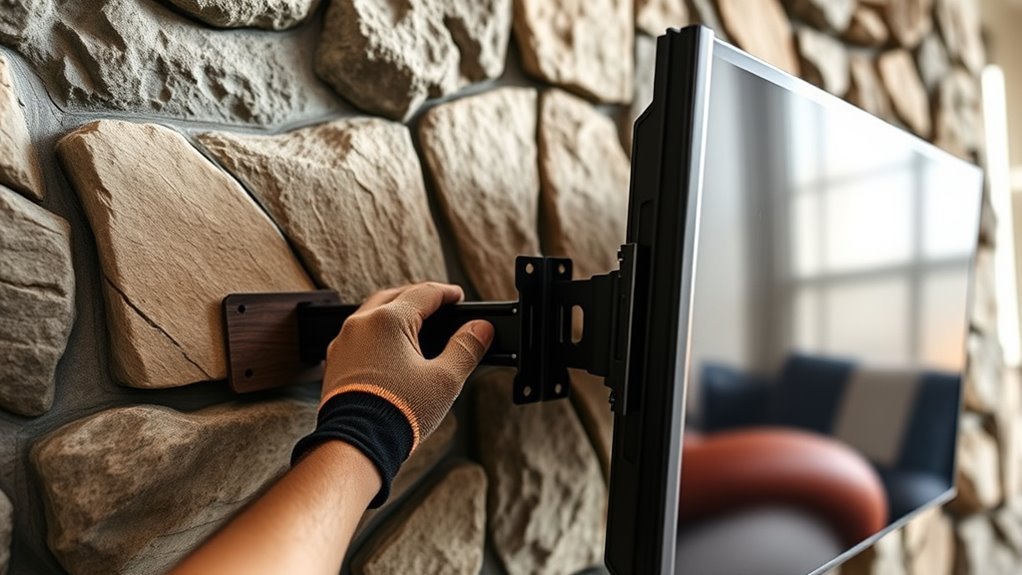
Once you’ve drilled the holes and prepared the anchors, you can secure the mount firmly to the rock surface. Align the mount with the holes, then use a wrench to tighten the bolts, ensuring stability.
Make sure to double-check that the mount doesn’t wobble before moving on. You want it nice and steady.
Next, attach the mounting brackets to the back of your TV following the manufacturer’s instructions.
| Step | Action |
|---|---|
| 1 | Align mount with drilled holes |
| 2 | Tighten bolts securely |
| 3 | Attach brackets to TV |
| 4 | Hang TV on mount and level it |
Finally, hang your TV on the mount. Use a level to make sure it’s perfectly straight, then secure any safety locks or screws.
And just like that, your TV is safely mounted on the rock fireplace.
Frequently Asked Questions
Can Mounting a TV Damage the Rock Fireplace Structure?
Mounting a TV can damage your rock fireplace if you drill into unstable or loose stones. You should check the rock’s integrity first, so you know what you’re dealing with.
Use proper anchors to keep everything secure. And be careful not to use too much force—that can cause cracks or weaken the whole structure.
What Is the Best TV Size for Mounting on a Rock Fireplace?
Think of your TV as a window, no bigger than 55 inches, framing your cozy hearth.
You’ll want a size that balances the rugged rock’s boldness without overwhelming it.
This way, your space stays both inviting and stylish.
How Do I Hide TV Cables on a Rock Fireplace?
You can hide TV cables on a rock fireplace by using adhesive cable clips. These clips stick right onto the rock and keep your cords neatly in place.
Another option is running cables through a cord cover. You can paint the cover to match the rock, so it blends in seamlessly with your fireplace.
If you want a more permanent solution, consider installing an in-wall cable management kit designed for masonry walls. This keeps everything neat and completely hidden from view.
Are There Any Heat Concerns With Mounting Near a Fireplace?
Like walking on thin ice, mounting near a fireplace requires caution. You shouldn’t place your TV where heat exceeds 95°F, or it risks damage.
It’s a good idea to use a thermal shield or mount the TV higher up to keep your electronics safe and cool. That way, you avoid any heat problems and enjoy your setup without worry.
Can I Mount a TV on a Curved Rock Fireplace Surface?
You can mount a TV on a curved rock fireplace, but you’ll need a specialized adjustable or articulating mount to fit the shape. Make sure the mount’s strong enough and that the TV sits securely and level on the curve.
It might take a bit of extra effort to get everything aligned just right, but it’s definitely doable. Just double-check that the mount can handle the weight and shape before you start drilling.
Conclusion
Mounting your TV on a rock fireplace might seem tricky, but with the right mount, the right tools, and a steady hand, you’ll turn your challenge into charm.
You’ve got the power to transform that rugged stone into a sleek entertainment hub. So, grab your gear, take your time, and watch your space come alive—
because when you mount with care, your TV won’t just hang, it’ll shine.
Rock fireplaces add a unique, textured backdrop that can make your TV the focal point of any room. With the proper mounting techniques, you can securely attach your TV without damaging the stone or compromising safety.
By choosing the right mount designed for stone surfaces and following simple steps, you’ll achieve a clean, professional look. So, dive in confidently and enjoy the blend of rustic charm and modern entertainment your setup will bring.