How to Protect Your Eyes From Bad Effects When Watching TV in the Dark
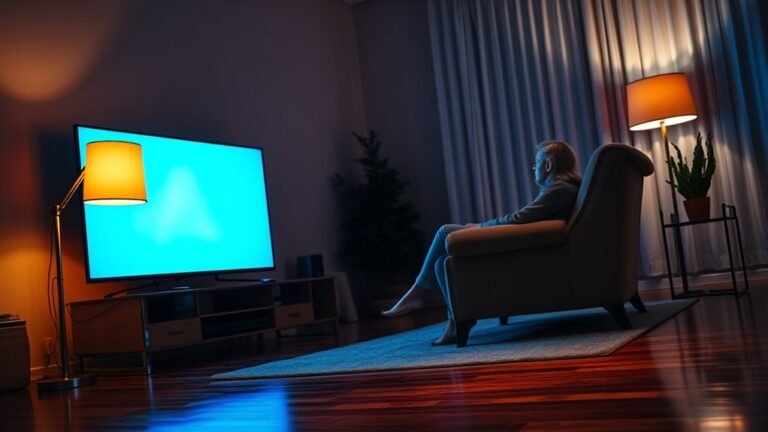
To protect your eyes from the bad effects when watching TV in the dark, it’s important to create a comfortable viewing environment. Using soft ambient lighting helps reduce harsh contrast and glare, which can strain your eyes.
Also, try lowering your screen brightness and turn on blue light filters or night mode. These adjustments make the screen gentler on your eyes, especially in a dark room.
Don’t forget to take regular breaks! Every 20 minutes, look away from the screen to give your eyes a rest. Blinking often is key too, as it helps prevent dryness.
Keep a proper distance from the TV and avoid sitting in complete darkness. This balance makes watching TV more comfortable and protects your eyes in the long run.
If you want to learn simple habits and techniques to keep your eyes comfortable longer, there’s more useful advice ahead. Just stick with these easy tips, and your eyes will thank you!
Key Takeaways
- Use soft ambient lighting to reduce screen contrast and prevent eye strain when watching TV in the dark. This helps your eyes adjust better and feel more comfortable.
- Lower TV brightness and activate blue light filters or night mode for gentler screen exposure. It’s a simple way to make watching easier on your eyes.
- Follow the 20-20-20 rule: every 20 minutes, look 20 feet away for 20 seconds to rest your eyes. This little break really helps reduce fatigue.
- Maintain proper distance (5-6 feet) from the TV with the screen slightly below eye level for comfort. Sitting too close or too far can make your eyes work harder.
- Blink frequently and use artificial tears if needed to prevent dryness and irritation during viewing. Keeping your eyes moist is key to staying comfortable while watching.
Why Watching TV in the Dark Can Hurt Your Eyes
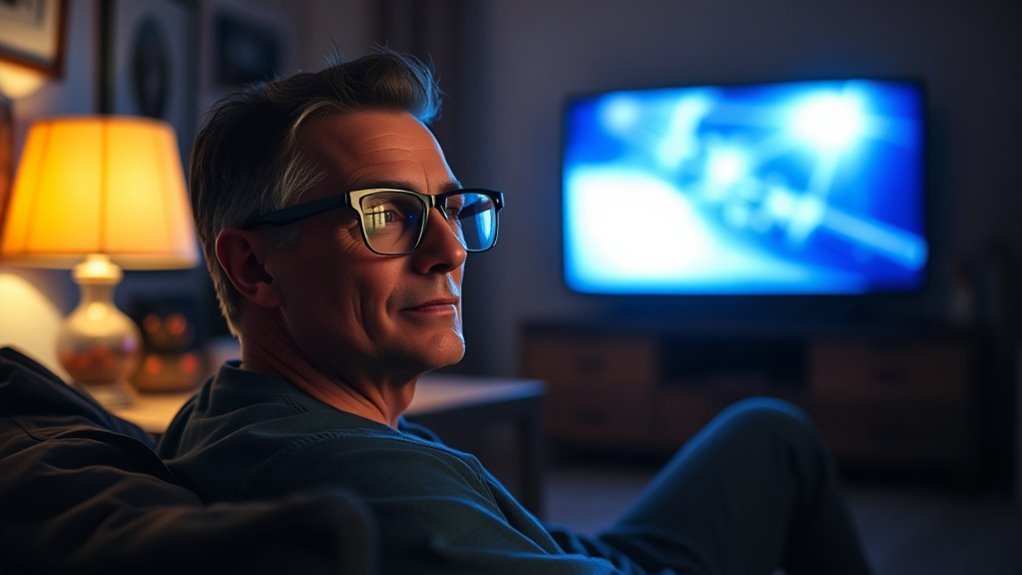
Although watching TV in the dark might seem relaxing, it can strain your eyes more than you realize. When you watch in a dark room, your pupils dilate to let in more light, forcing your eyes to work harder to adjust between the bright screen and the surrounding darkness.
This constant adjustment causes eye muscles to tire quickly, leading to discomfort or headaches. You may also experience dryness and irritation because your blink rate often decreases when staring at screens.
Over time, this strain can result in blurred vision or difficulty focusing. By understanding how your eyes react in these conditions, you can better appreciate why watching TV in complete darkness isn’t the best choice for your eye health.
How Ambient Lighting Reduces Eye Strain
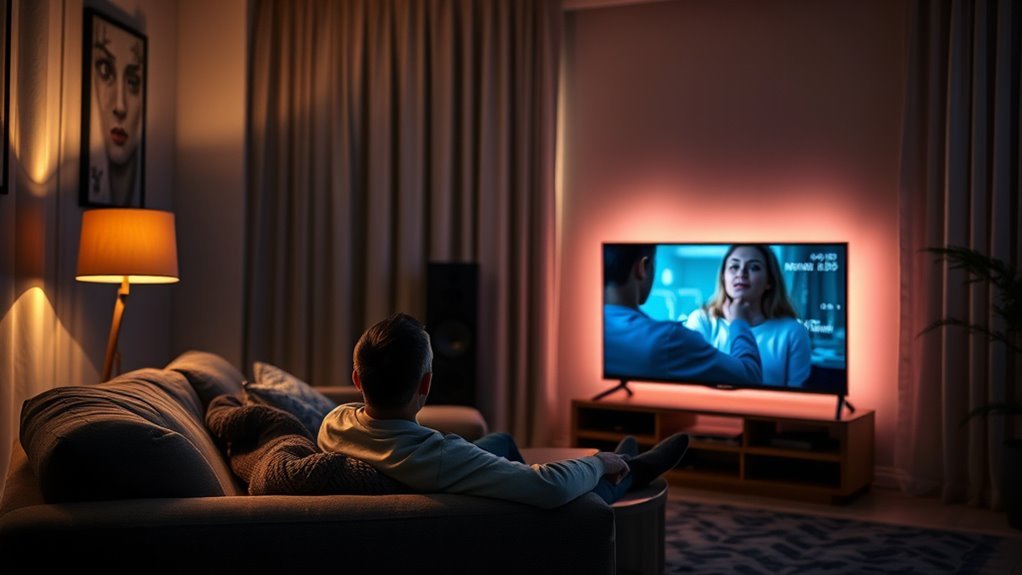
You can reduce eye strain by using soft ambient lighting while watching TV in the dark. This gentle light helps your eyes adjust and prevents harsh contrast between the screen and the surrounding space.
Plus, it cuts down on screen glare, making your viewing experience more comfortable. It really makes a difference when you’re settling in for a long show or movie.
Benefits Of Soft Lighting
When you add soft, ambient lighting to your TV room, your eyes don’t have to work as hard to adjust between the bright screen and surrounding darkness. This gentle illumination helps reduce eye strain by creating a balanced environment, preventing your pupils from constantly dilating and contracting.
Soft lighting eases the contrast your eyes face, making it more comfortable to watch TV for longer periods without fatigue. It also minimizes headaches and dryness caused by staring into a dark room lit only by the screen.
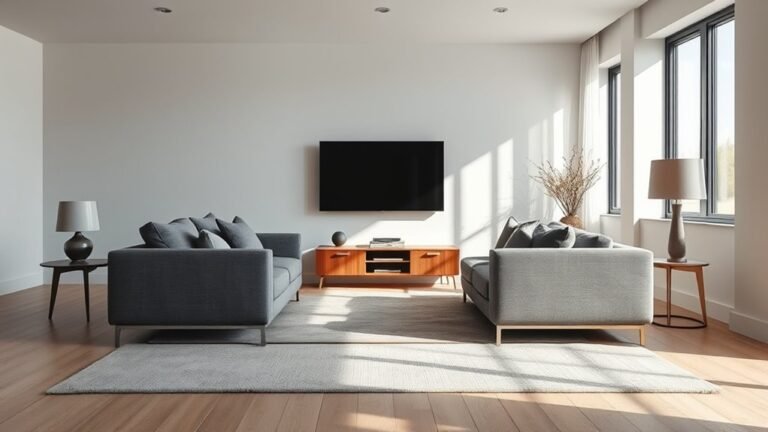
You can use dimmable lamps, LED strips, or bias lighting behind the TV to achieve this effect. By incorporating soft lighting, you protect your eyes and enhance your overall viewing experience, making late-night TV sessions easier on your vision.
Minimizing Screen Glare
Since harsh reflections can cause discomfort and strain, minimizing screen glare is key to protecting your eyes during TV time. You want to reduce reflections that make your eyes work harder, leading to fatigue.
Here’s how ambient lighting helps: position lamps behind or beside your TV to create soft, indirect light that balances screen brightness. It really makes a difference in reducing that annoying glare.
Also, use adjustable dimmable lights to control the ambient level and avoid sharp contrasts. This way, you can set the lighting just right for any time of day.
And don’t forget to choose warm-colored bulbs to reduce blue light exposure and prevent glare. They’re easier on your eyes and help create a cozy viewing atmosphere.
Adjusting Screen Settings to Protect Your Eyes in the Dark
You can protect your eyes in the dark by reducing your TV’s brightness to a comfortable level. Turning on the blue light filter helps minimize eye strain by cutting harsh blue tones.
These simple screen adjustments make watching TV much easier on your eyes. Give them a try next time you’re settling in for a show!
Reduce Brightness Levels
Although it might be tempting to keep your TV brightness at maximum for a vivid picture, lowering it can considerably reduce eye strain in a dark room. Bright screens force your eyes to work harder, causing discomfort and fatigue over time.
By adjusting the brightness, you create a more comfortable viewing experience that’s easier on your eyes. Here’s what you can do:
- Decrease brightness to match the ambient light in the room.
- Use your TV’s built-in presets like “Movie” or “Night” mode for optimized settings.
- Manually fine-tune brightness until the picture is clear but not glaring.
Taking these simple steps helps prevent headaches and dryness, letting you enjoy your favorite shows without harming your eyes.
Enable Blue Light Filter
Lowering your TV’s brightness helps reduce eye strain, but adjusting the blue light settings can further protect your eyes during nighttime viewing. Blue light filters reduce the amount of high-energy blue light emitted by your screen, which can disrupt sleep and cause eye fatigue.
Most modern TVs come with a built-in blue light filter or “night mode” setting that you can enable easily. Just access your TV’s display or picture settings menu and turn on the blue light filter option. This adjustment adds a warmer tint to the screen, making it gentler on your eyes in the dark.
Best Break Techniques to Rest Your Eyes When Watching TV in the Dark
When watching TV in the dark, taking regular breaks helps prevent eye strain and fatigue. You don’t have to stop watching completely—just pause to give your eyes a moment to recover.
Try these simple techniques:
- Look away from the screen every 20 minutes and focus on something 20 feet away for at least 20 seconds to relax your eye muscles.
- Blink frequently during breaks to keep your eyes moist and reduce dryness caused by staring at the screen.
- Use the 20-20-20 rule as a reminder to rest your eyes regularly and avoid prolonged staring.
Incorporating these breaks will keep your eyes comfortable and reduce the negative effects of watching TV in a dark room.
It’s super easy to do, and your eyes will thank you!
Easy Habits to Prevent Eye Dryness and Fatigue While Watching TV
To keep your eyes comfortable while watching TV, you’ll want to adopt simple habits that combat dryness and fatigue. Blink often to keep your eyes moist; staring at the screen can reduce blinking, causing dryness.
Use artificial tears if your eyes feel dry. Adjust the room’s lighting—avoid complete darkness to reduce strain but keep it soft to prevent glare.
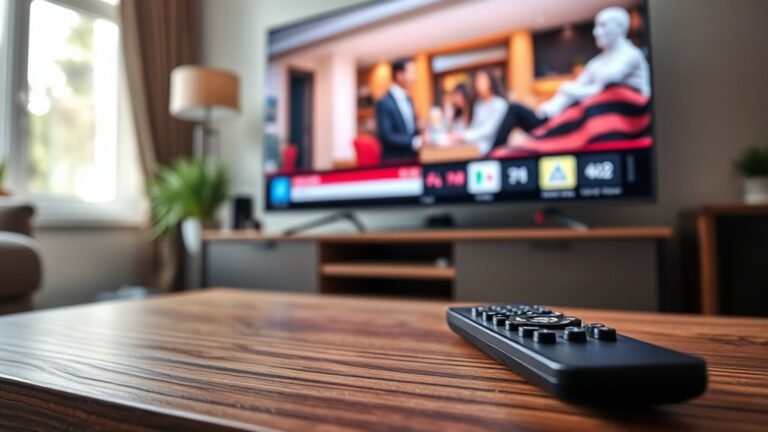
Maintain a proper distance from the screen, ideally about five to six feet, and position the TV slightly below eye level. Take regular breaks by looking away from the screen every 20 minutes and focusing on distant objects.
Stay hydrated, as dehydration worsens eye dryness. These easy habits help maintain your eye health and make your TV time more comfortable and enjoyable.
When It’s Time to Visit the Eye Doctor for TV Eye Strain
If you notice persistent discomfort, blurry vision, or headaches after watching TV, it’s a clear sign you should see an eye doctor. Ignoring these symptoms can worsen your eye strain or signal underlying issues needing professional care.
Your doctor can assess your vision and recommend solutions tailored to your needs. Consider visiting an eye specialist if you experience:
- Frequent eye redness or dryness that doesn’t improve with breaks
- Difficulty focusing on the screen or surrounding objects
- Headaches that start or worsen after watching TV for a short time
Early diagnosis helps prevent long-term damage and improves your comfort while watching TV. Don’t wait until symptoms disrupt your daily life—schedule an eye exam to protect your vision and enjoy screen time safely.
Frequently Asked Questions
Can Watching TV in the Dark Cause Permanent Vision Damage?
No, watching TV in the dark won’t cause permanent vision damage, but it can strain your eyes and cause discomfort.
You should use soft lighting to reduce eye fatigue and keep your eyes feeling comfortable. It really helps to make the experience easier on your eyes.
Are Certain TV Screen Types Better for Eye Health in the Dark?
You’ll find OLED screens better for your eyes in the dark since they reduce blue light by up to 30%. This means less strain and flicker, helping you watch comfortably without causing excessive fatigue or discomfort.
Does Watching TV in the Dark Affect Children’s Eye Development?
Yes, watching TV in the dark can strain children’s developing eyes. It might cause discomfort and even potential vision issues.
Can Blue Light Glasses Help When Watching TV in the Dark?
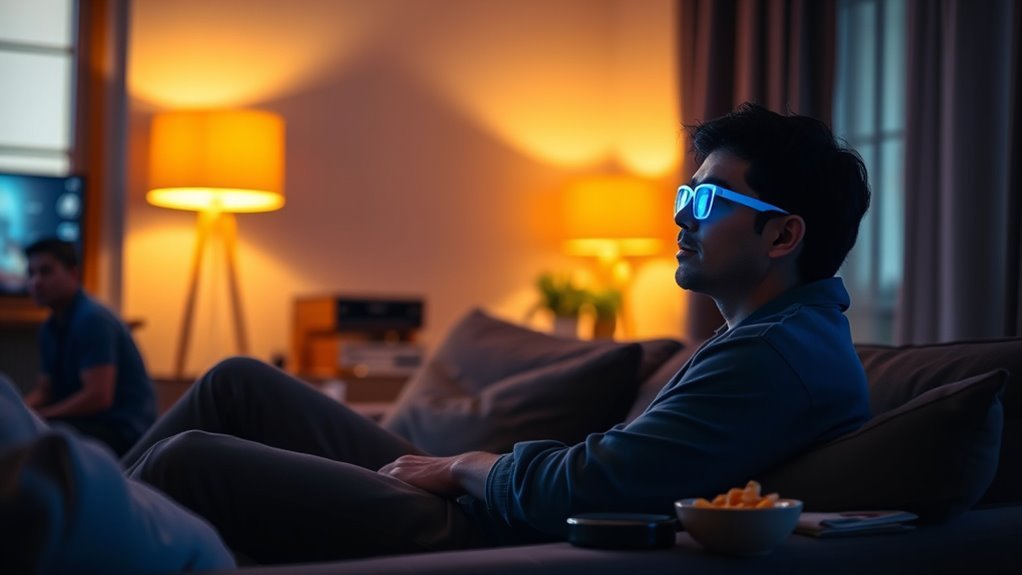
You’re giving your eyes a gentle hug by wearing blue light glasses when watching TV in the dark. They can ease strain and reduce discomfort, helping you enjoy screen time without feeling too tired afterward.
It’s like giving your eyes a little break while you binge your favorite shows. So, if you often watch TV in a dark room, these glasses might just be worth a try!
How Does Age Impact Eye Sensitivity to TV in Dark Environments?
As you age, your eyes become more sensitive to glare and strain from watching TV in the dark. You’ll likely notice discomfort faster, so take breaks and adjust lighting to reduce stress on your eyes.
It’s pretty common to feel this way as you get older. Just try to give your eyes a rest now and then—it really helps!
Conclusion
As you settle into your favorite chair, imagine a soft, warm light gently filling the room, easing the harsh glare from the TV screen. By adjusting your settings and taking mindful breaks, you protect your eyes from the creeping fatigue and dryness that darkness can bring.
These simple habits keep your vision clear and comfortable, letting you enjoy every moment without strain. Remember, your eyes deserve the same care you give your favorite show.
Watching TV in the dark can be tough on your eyes, but with a few easy steps, you can reduce eye strain and discomfort. Using ambient lighting and adjusting screen brightness helps protect your eyes from bad effects. Taking regular breaks also prevents dryness and fatigue.
So, when you watch TV in the dark, make sure to create a cozy, softly lit environment and give your eyes some rest. Protecting your eyes from the bad effects of watching TV in the dark isn’t hard—it just takes a little mindfulness and care. Your eyes will thank you!